
Character
Create AI videos from text prompts, images, audio, and video references. Use advanced video generation tools for longer clips, faster drafts, and flexible creative control.
Real clips and images — no cherry-picking. Click any video to watch full screen.
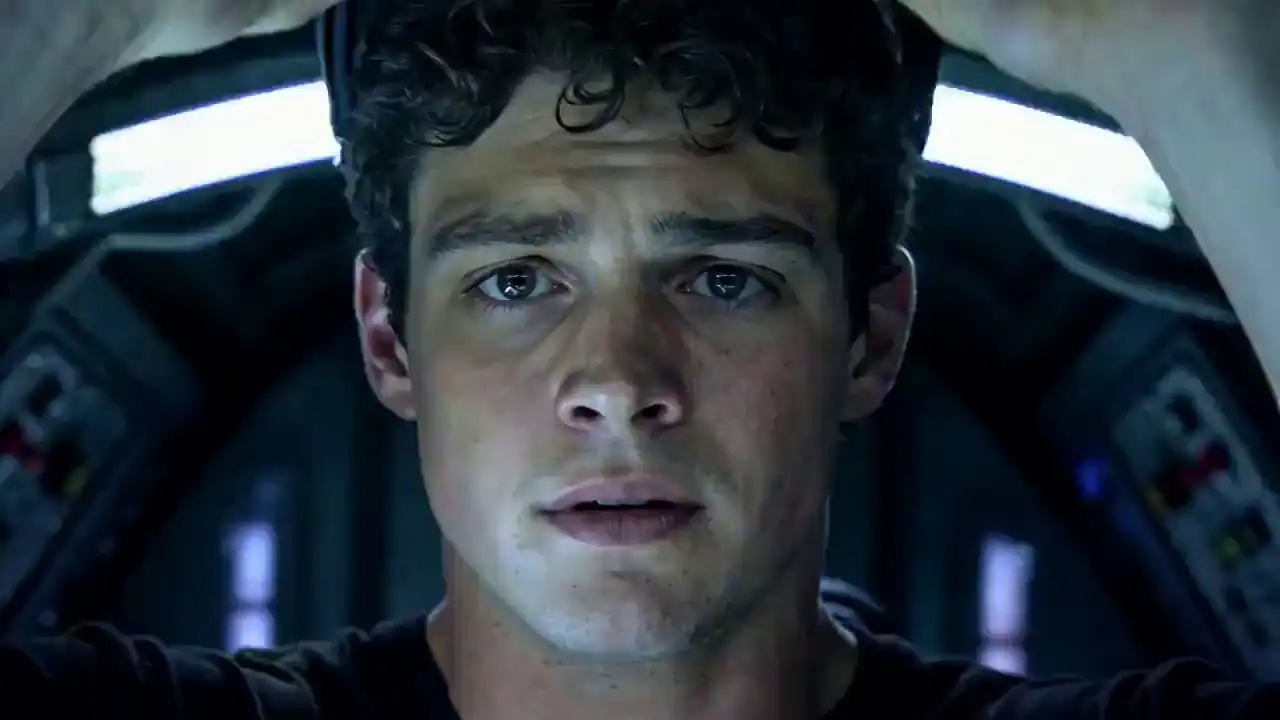
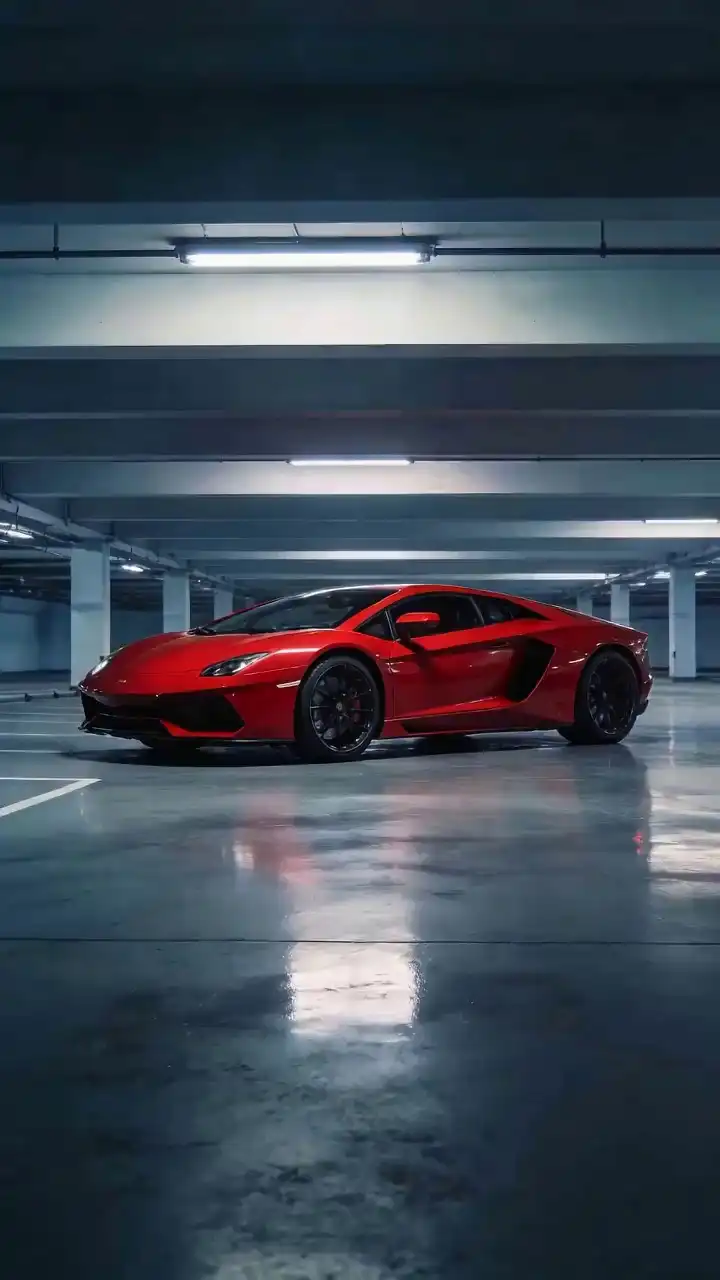
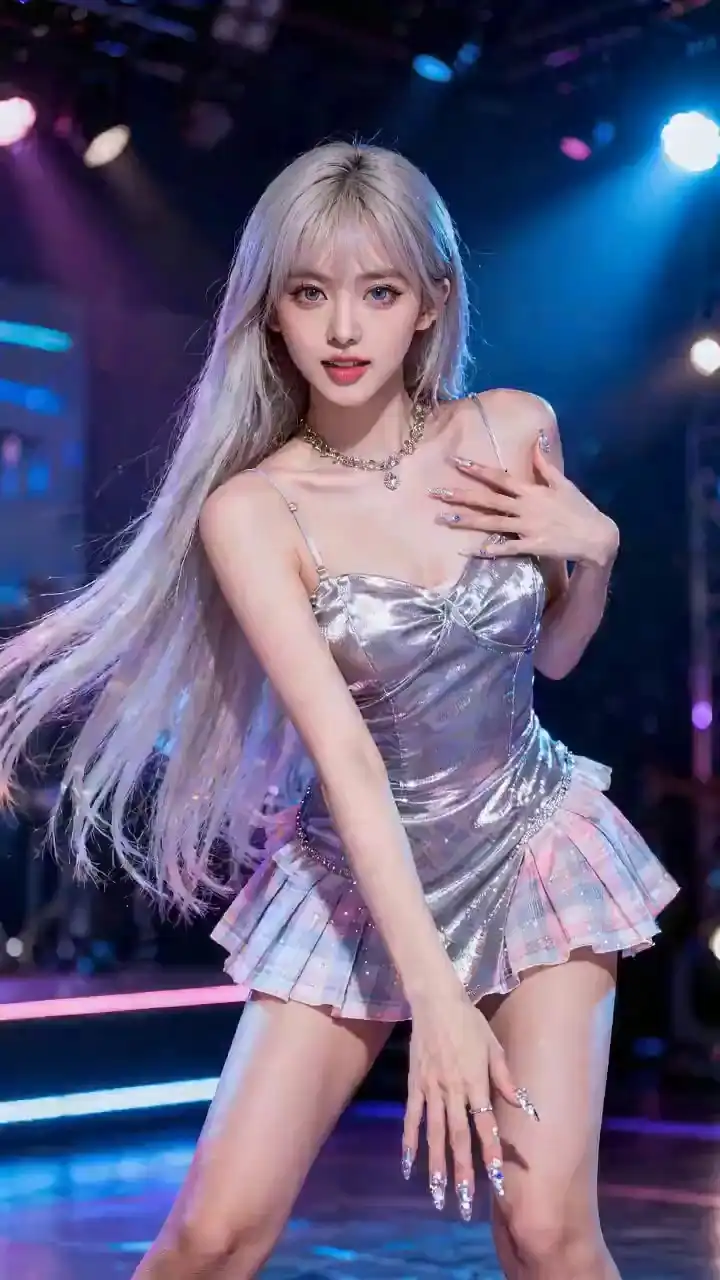
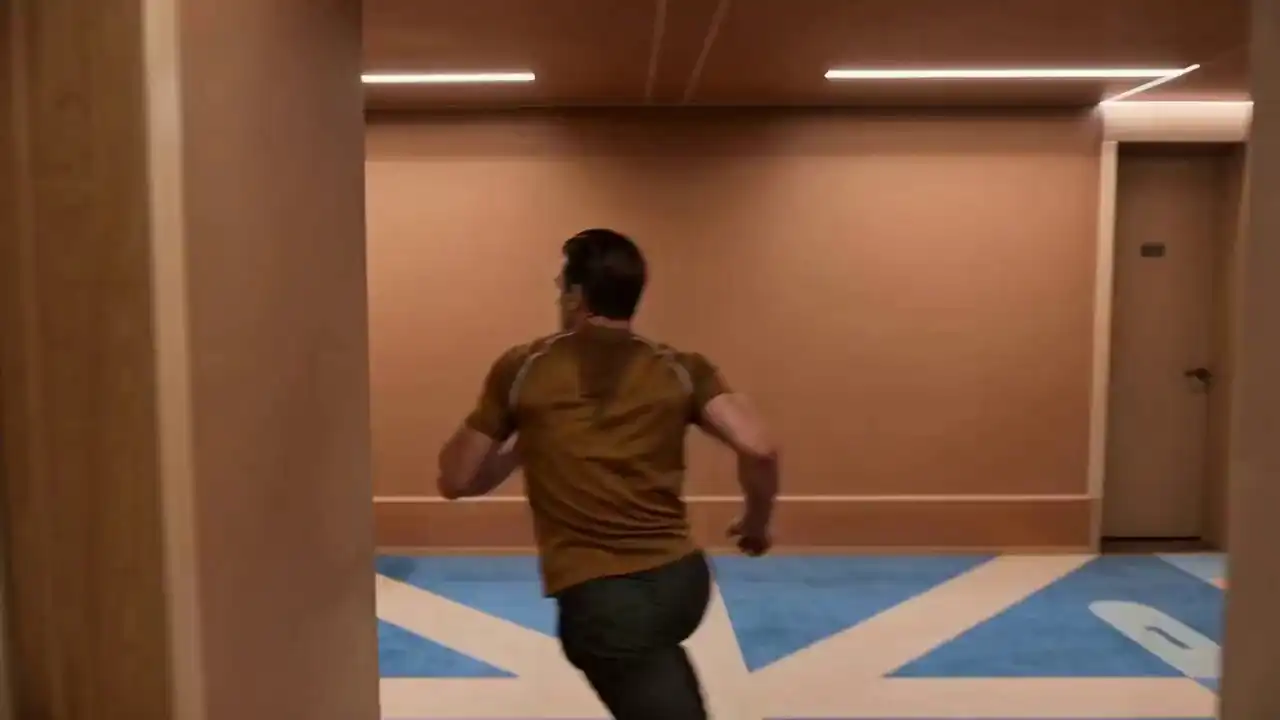
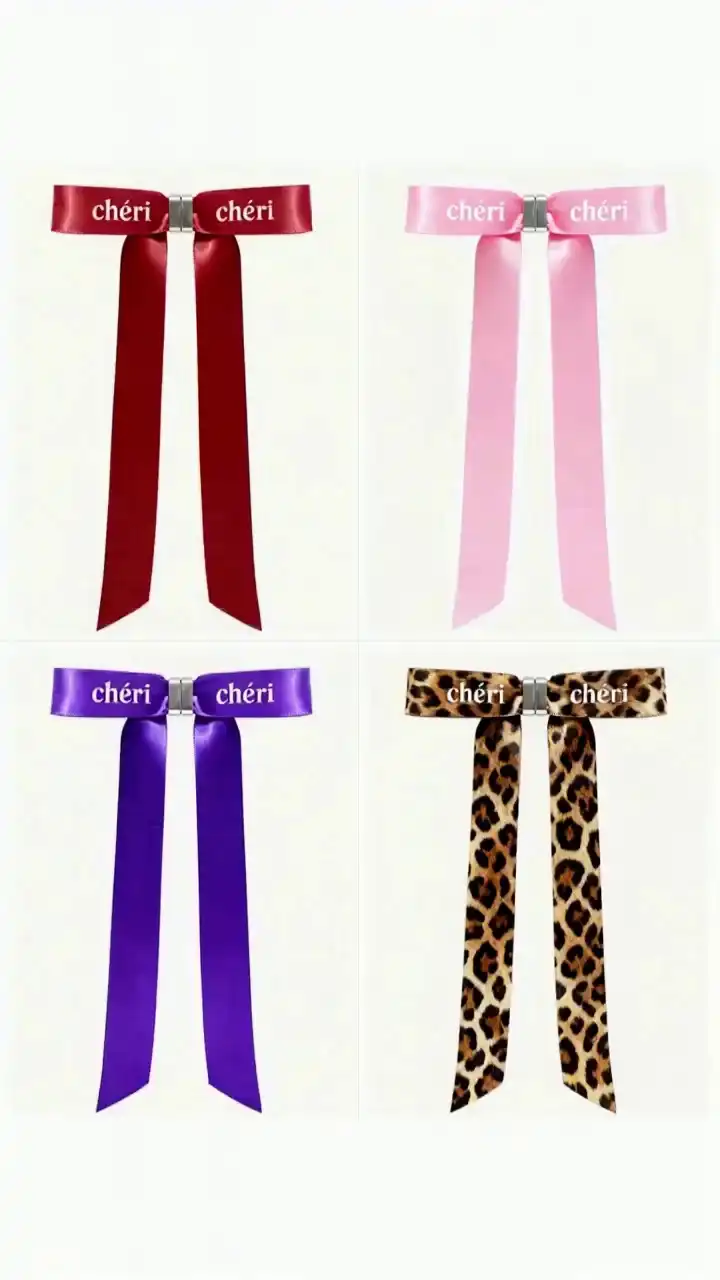
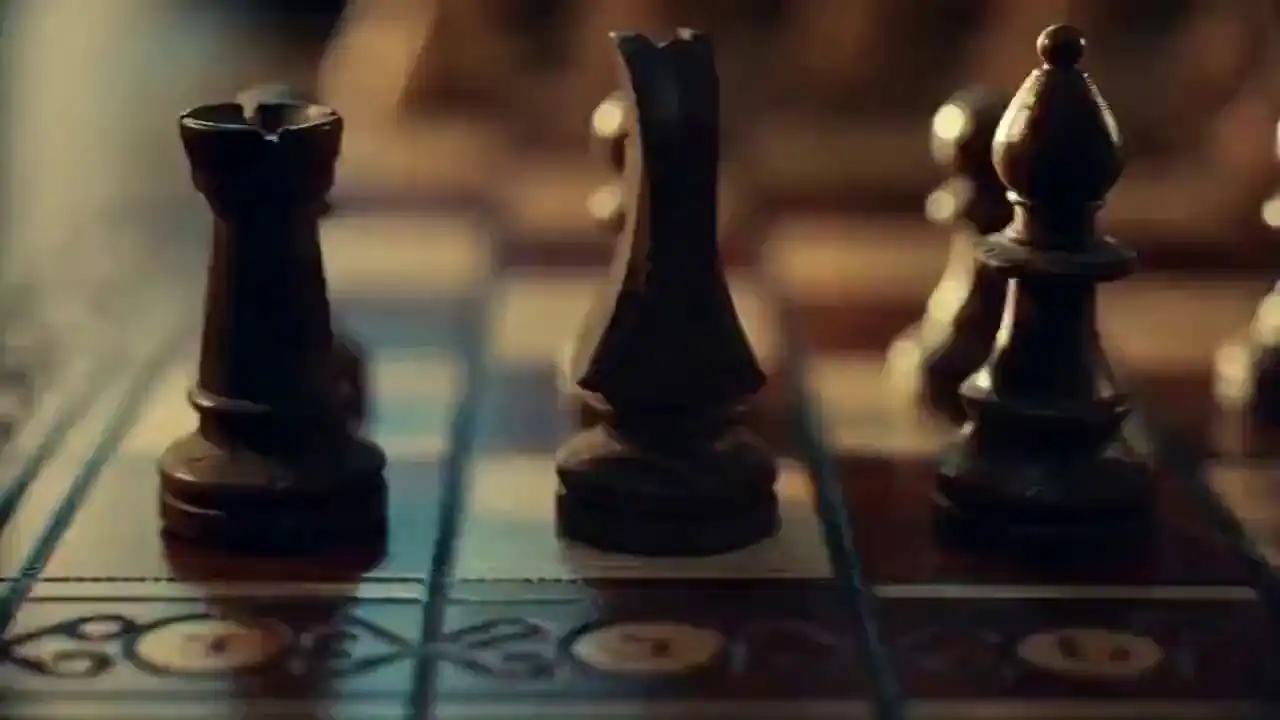
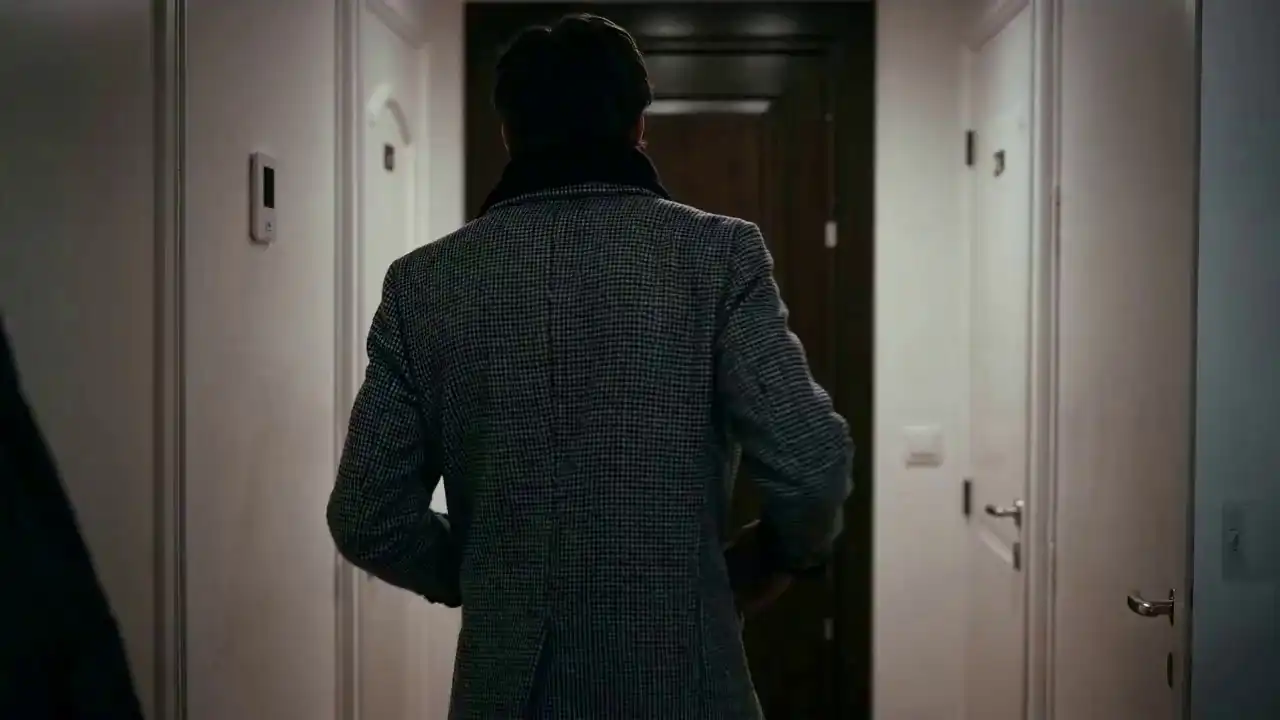
Create videos, images, and visual ideas from one simple workspace.
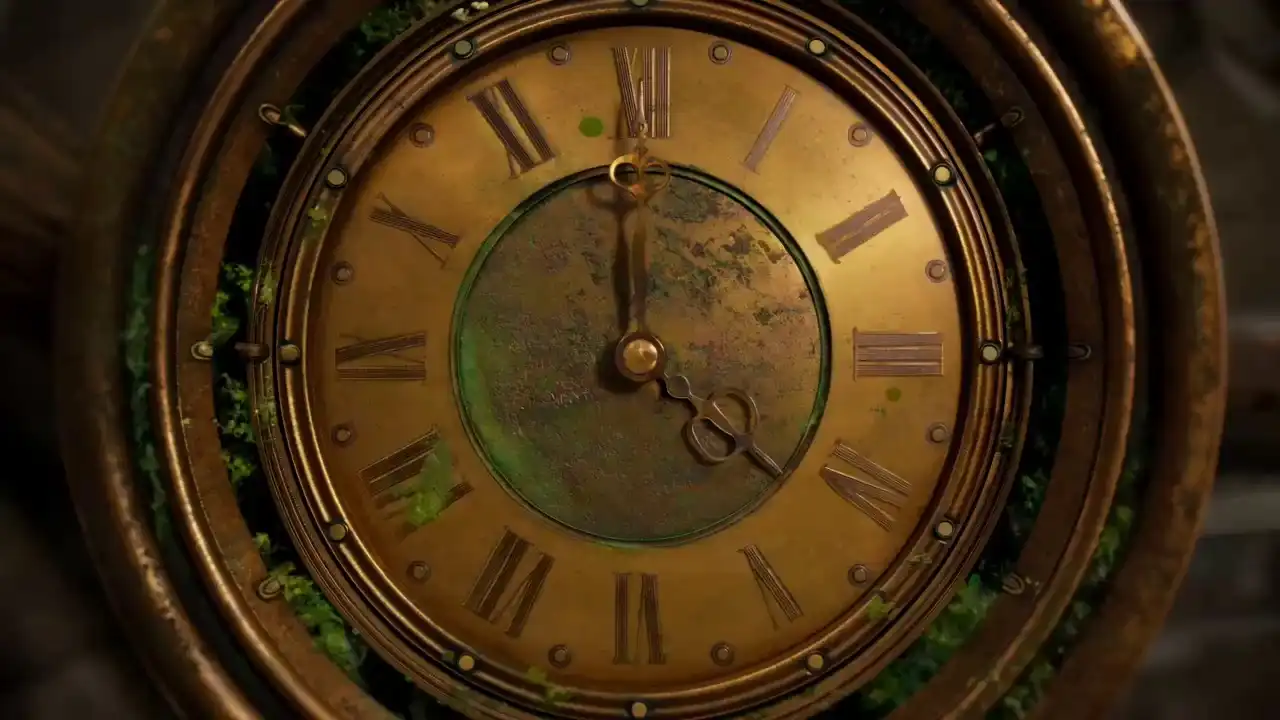 Latest
Generate videos up to 30 seconds with native audio, multimodal references, smoother scene continuity, and more precise editing. Best for longer stories, product videos, ads, and production-focused workflows.
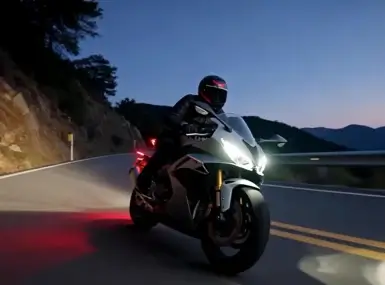 Stable
Multimodal input — images, audio, video clips all accepted as references. Character consistency, lip-sync, video extension, in-clip editing.
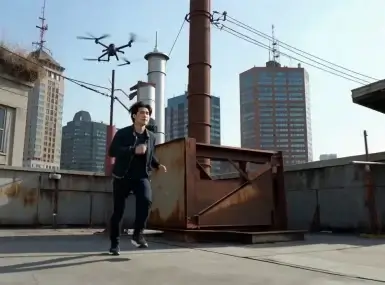 Fast
FastImage-to-video and text-to-video. Fast generation, good balance of speed and quality for standard video workflows.
 Stable
Standard resolution image generation. Lowest credit cost in the Seedream series — fast ideation and high-volume batch image workflows.
 Stable
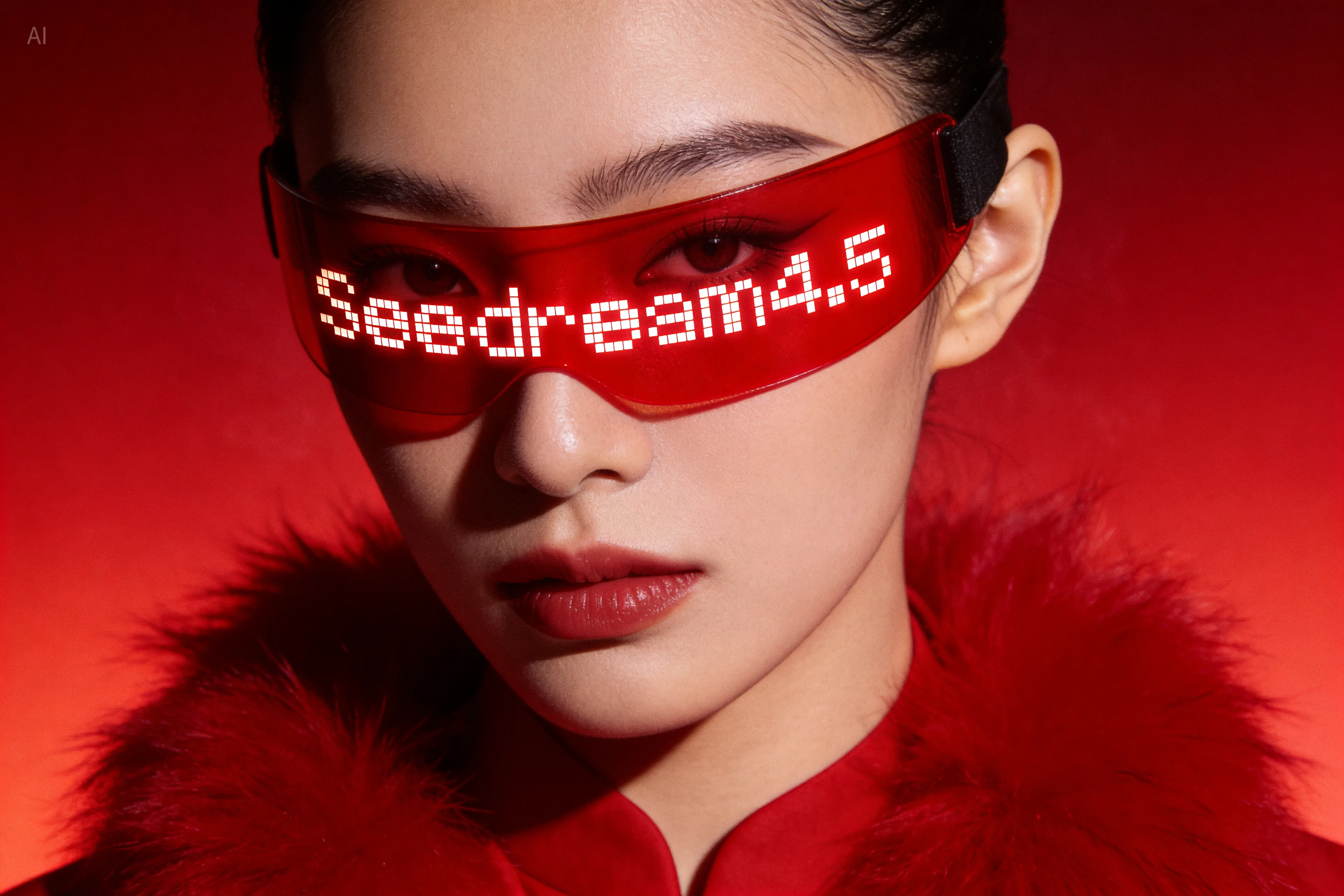
Reliable image generation with good prompt adherence. Faster than 5.0, lower credit cost — the go-to for high-volume image production.
 New
NewByteDance's latest image model. High-resolution output with strong compositional control, accurate prompt following, and fine detail rendering.
Every feature maps to a real production problem.
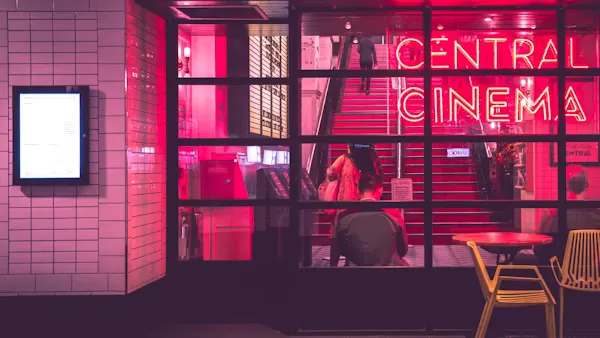
Image, video clip, audio — all at once. Product photos, past ad footage, brand music. Your existing assets become the starting point.
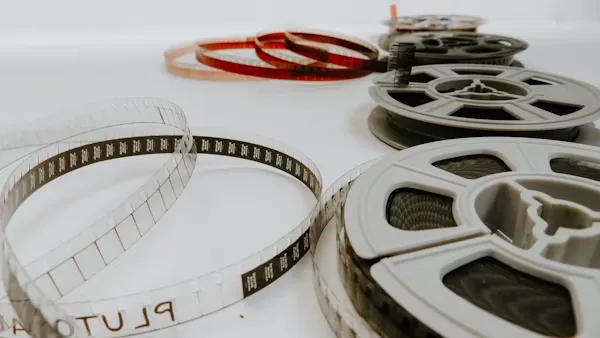
Object trajectories, multi-person interactions, and lighting follow real-world physics. No rubber limbs — even in complex dynamic scenes.
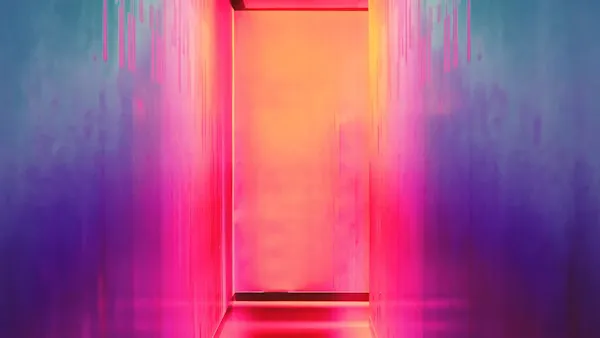
A minimal prompt like "melancholy dusk, pulling back" gets interpreted correctly — camera angle, mood, pacing. The model infers what you left out.
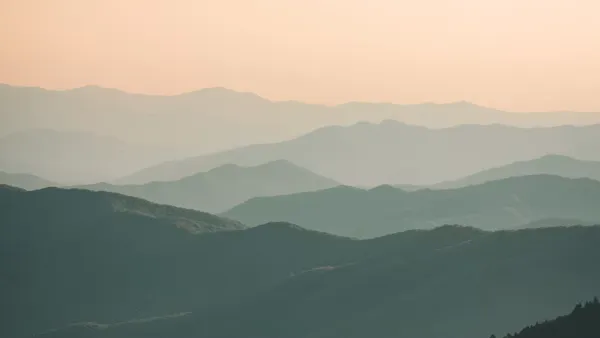
Continue any clip forward. Connect separate shots with a generated bridge. Swap elements inside existing footage — without reshooting a single frame.
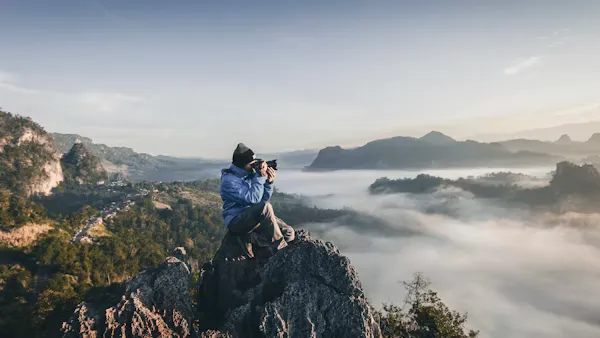
Tag a reference image with @Image in your prompt. Same face, same outfit, same proportions — across every shot, no drift.
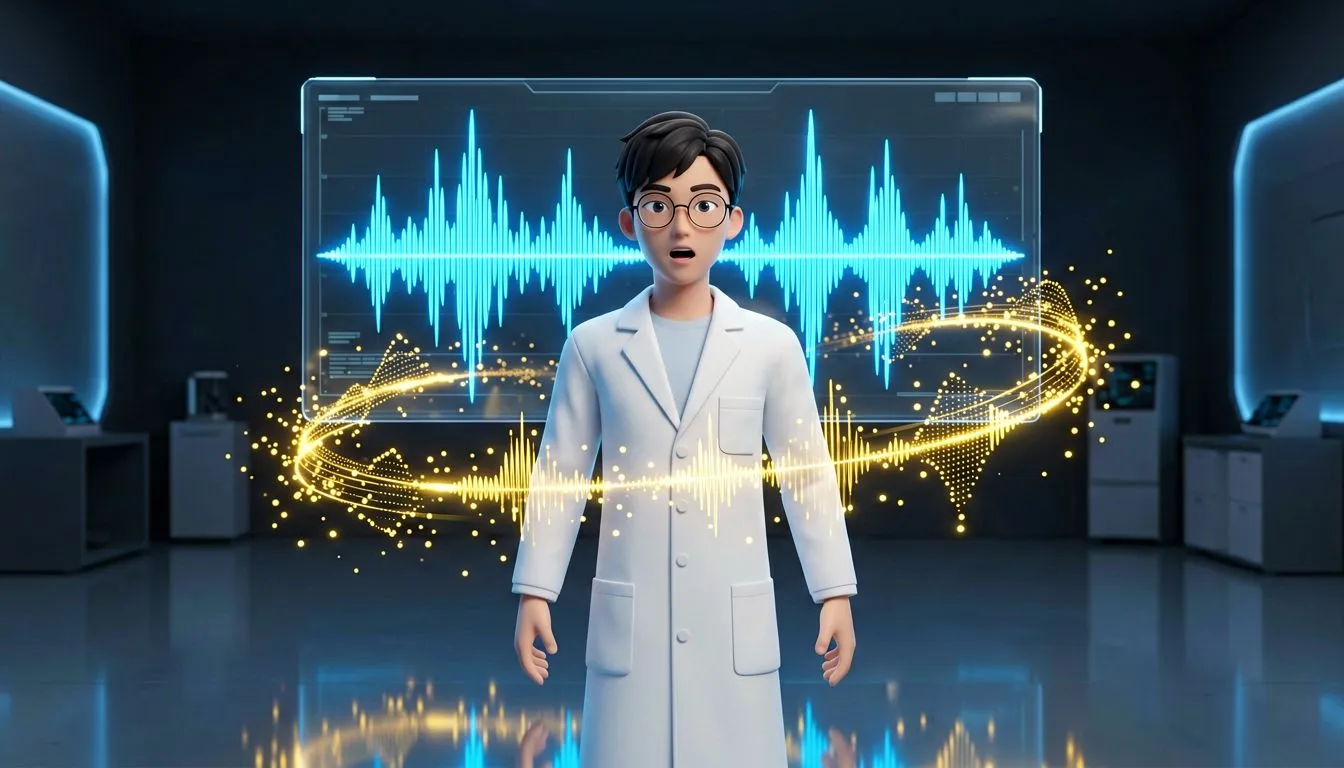
Upload a voiceover or music track. Seedance AI decodes the waveform and drives mouth movement and body rhythm — automatically, no manual sync.
Start with a prompt, image, video clip, or audio file. Svido AI helps turn your idea into a short video with a clear creation workflow.
An image for visual style. A video clip for motion. An audio file for rhythm. Combine all three — or start from a text prompt alone.
Describe the scene. Tag what you uploaded: @Image1 for character style, @Video1 for movement. That's the full instruction set.
Get your clip in seconds. Extend it with Continue Filming, edit specific elements, or use it as a reference for the next shot.
Start with a prompt, image, or reference file. Generate videos and images in one simple workspace.
START CREATINGSee how Svido AI’s video and image workflows fit into real creative, marketing, and production tasks.
Turn product photos, detail shots, or brand assets into short product videos. Use Svido AI to create ad-ready drafts for product pages, paid ads, and launch campaigns.
Create character-based scenes from scripts, reference images, and story prompts. Get short drama clips, episode previews, and visual directions for AI storytelling.
Turn lesson ideas, scripts, or reference materials into short educational videos. Use Svido AI to make clearer explainers, training clips, and learning content.
Start with a prompt, image, or reference clip to create short videos for TikTok, Reels, Shorts, and content testing. Get quick drafts for daily posting and creative iteration.
Turn campaign ideas, product messages, or brand visuals into social-ready videos and images. Get reusable assets for posts, ads, stories, and community updates.
Use scene prompts, reference images, and motion directions to create cinematic-style video clips. Get mood tests, shot ideas, and visual previews before production.
Creators share how Svido AI helps them test ideas, shape visuals, and create content faster.
"With Svido AI, we can turn product photos into multiple video directions for ads and landing pages. It helps us compare ideas before investing more time in production."
"Svido AI helps us create visual concepts from prompts and product references. It is useful for campaign planning, social posts, and early creative reviews."
"I use Svido AI to test short video ideas with reference clips and prompts. It gives me a faster way to explore different formats before publishing."
One balance covers video and image generation. No subscriptions, no monthly fees.
Credits never expire · Commercial license on all plans · 7-day refund · Stripe payments
Svido AI is used to create short AI videos and images from text prompts, images, video clips, and audio references. It can help with product videos, social media content, explainer clips, visual concepts, and story-based video drafts.
Yes. You can start with a product photo, character image, scene reference, or brand asset, then add a prompt to guide the motion, style, and final video direction.
Yes. Svido AI can help create short-form video drafts for social platforms. You can use prompts and reference files to test hooks, formats, product angles, or visual styles before publishing.
No. Svido AI runs in the browser and does not require local software, a GPU, or advanced editing skills. You can start with a prompt or reference file and create online.
Yes. Ecommerce sellers and marketers can use Svido AI to turn product photos, campaign ideas, or brand assets into video drafts for product pages, ads, and launch content.
Commercial use may depend on your input materials, selected workflow, and applicable terms. Review the usage terms before using generated content in ads, client work, paid campaigns, or public projects.
Supported inputs may vary by workflow, but common references include text prompts, images, video clips, and audio files. Check the current tool page for the latest supported formats and output options.
Use a clear prompt with the subject, scene, motion, style, and mood. Add reference images, video clips, or audio when you want more control over the final output.
Turn prompts, images, and reference files into video or image drafts.