
Starter
$10
100 credits · one-time
- 100 credits one time purchase
- Access to all AI video & image models
- HD video quality (1080p)
- Commercial use license
- Download enabled
- Email support
Generate sharp, native 4K video clips from text, images, or reference media. No installation, no GPU — everything runs in your browser.
Runs on the same Seedance 2.0 engine used across our AI video generator tools.
Use the embedded generator to test AI video prompts, reference media, aspect ratios, duration, and visual direction — all in your browser, no install required.
Pro Tips
Seedance 2.5 supports text, image, video, and audio as input references. Combine multiple types of materials to guide AI video generation with greater precision and creative control.
Type @ to quickly insert your uploaded files into the prompt.
Select a file to insert it as a reference (e.g. @Image1, @Video1, @Audio1), followed by a clear description (e.g., “A close-up of @Image1 wearing a jacket”) so the AI knows exactly how to use the material.
To protect personal privacy, real human faces cannot be used as multimodal references (such as image or video references). Please use virtual characters or AI-generated faces instead.
Note: Video and audio duration limits are calculated independently (up to 30s each).
Seedance 2.0 is an AI video generator that produces clips up to 15 seconds long from a text prompt, image, or reference file — no separate editing software required. Seedance 2.0 4K adds native 4K output, so the video you generate is sharp enough for ads, product pages, and client-facing decks without extra upscaling.
Higher-stakes deliverables demand sharper output — 4K keeps product shots, text overlays, and fine detail crisp on any screen without extra upscaling.
Feed up to 12 images, videos, or reference files into one generation for unmatched brand, character, and product consistency across every clip.
Fix a single object, area, or detail in your clip without regenerating — and re-billing — the entire video from scratch.
 4K
4KFrom a text prompt to a finished 4K clip — see how Seedance 2.0 handles resolution, input types, consistency, and edits in one workflow.
Seedance 2.0 renders your clip directly at 4K instead of upscaling a lower-resolution draft afterward. That distinction matters: upscaled video often shows soft edges and blurred text, while native 4K output holds fine detail in product shots, on-screen text, and small facial features. This makes Seedance 2.0 4K a better fit for ads, landing page hero videos, and any clip your audience will view full-screen or zoom into.
Start with nothing but a written prompt. Describe the subject, the action, the camera movement, the lighting, and the mood you want, and Seedance 2.0 builds the full clip from that description alone. You don't need a storyboard, a reference image, or existing footage to get a usable first draft — this is the fastest entry point into the generator, and it works well for concept testing before you commit to a bigger shoot.
When you already have visual material, Seedance 2.0 can work from it instead of a blank prompt. Upload a product photo, a character design, or an existing video clip, and the model uses it to guide composition, motion, and visual style in the new generation. This keeps your output aligned with brand assets you already have, rather than generating something disconnected from your existing creative direction.
A single video rarely stands alone — most creators need a character, product, or setting to look the same across several clips. Seedance 2.0 is built to hold outfit, lighting, and environment steady across a generated sequence, so a multi-part ad campaign or a product series doesn't feel like it was stitched together from mismatched pieces. That consistency is often what separates a polished result from a rough one.
Not every revision needs a full regeneration. If one object, background detail, or motion glitch is off, Seedance 2.0 lets you edit that specific area directly instead of starting the entire clip over. This saves both time and generation credits, and it means small fixes don't force you to re-approve an otherwise finished video just because one corner of the frame needs adjusting.
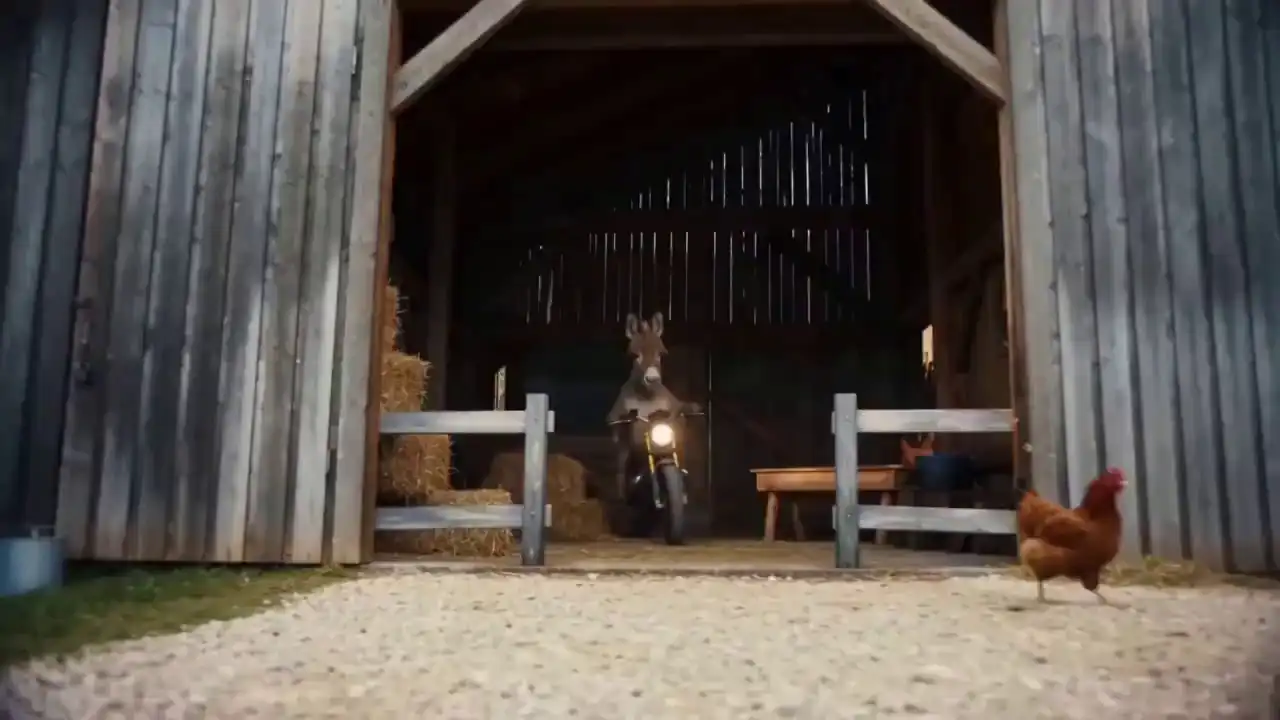
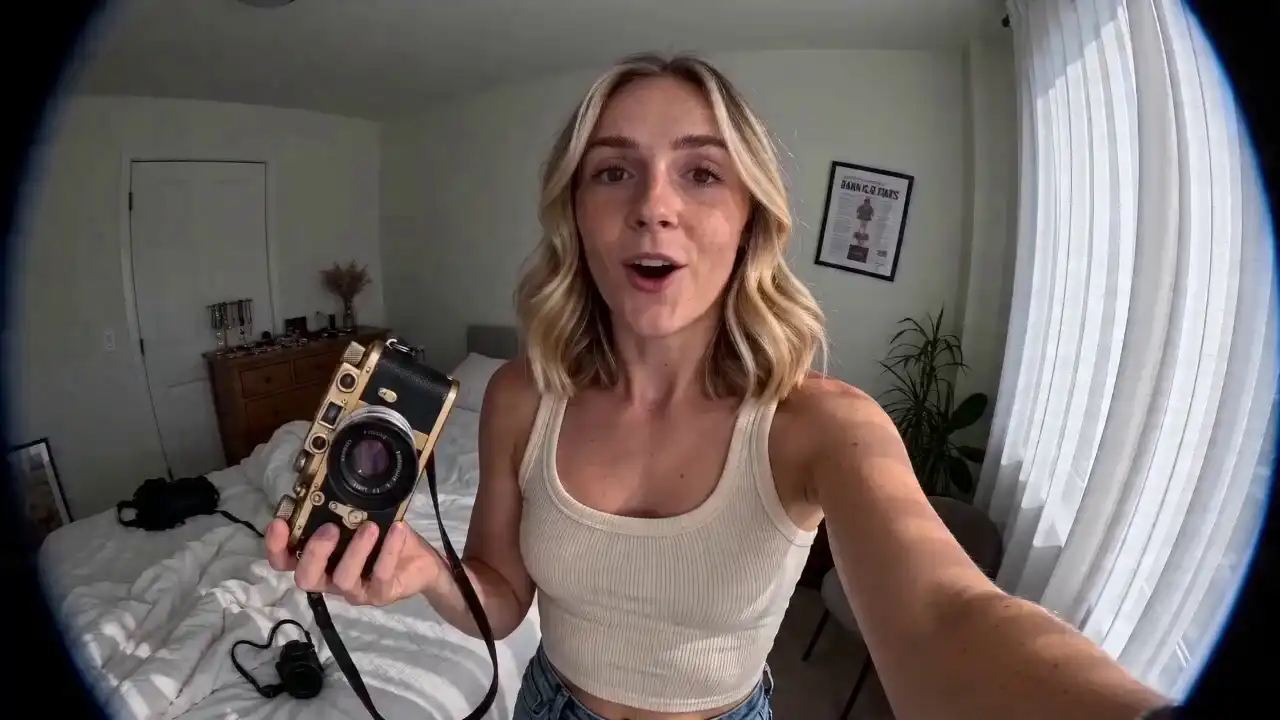
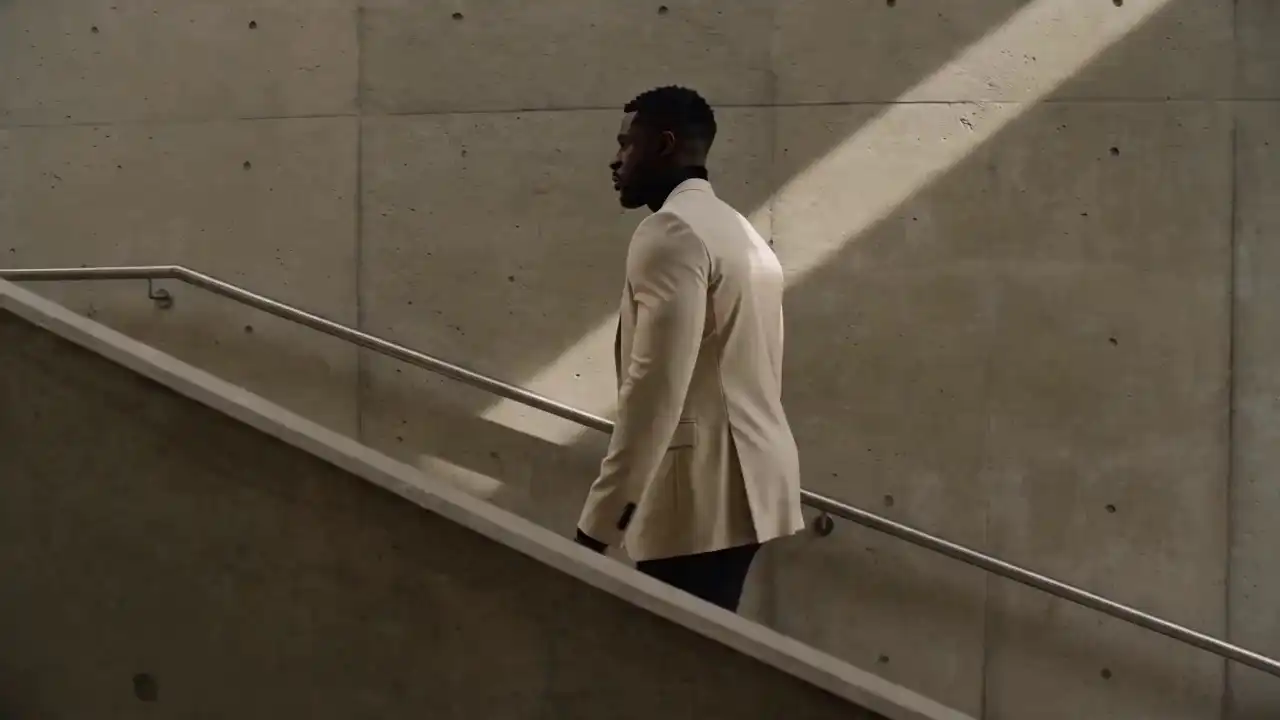
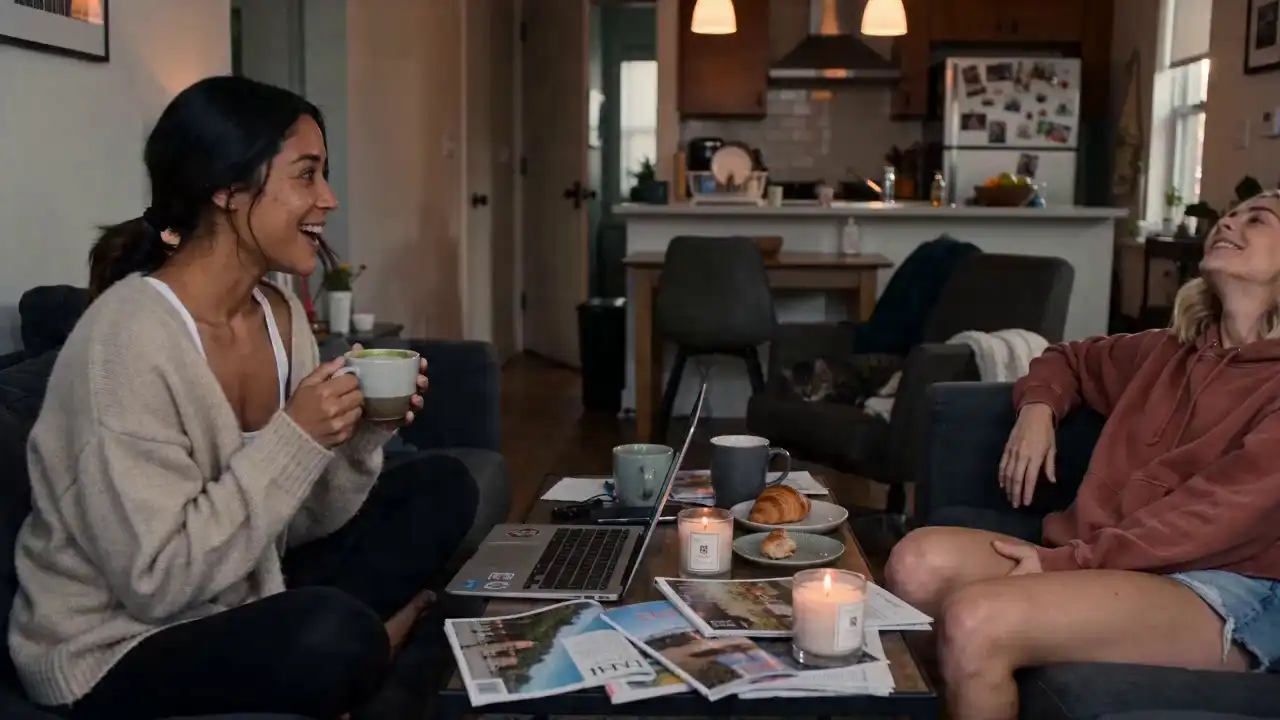
Real 4K clips generated with Seedance 2.0 — text-to-video, image-to-video, and reference-based examples across product demos, social content, and brand ads.
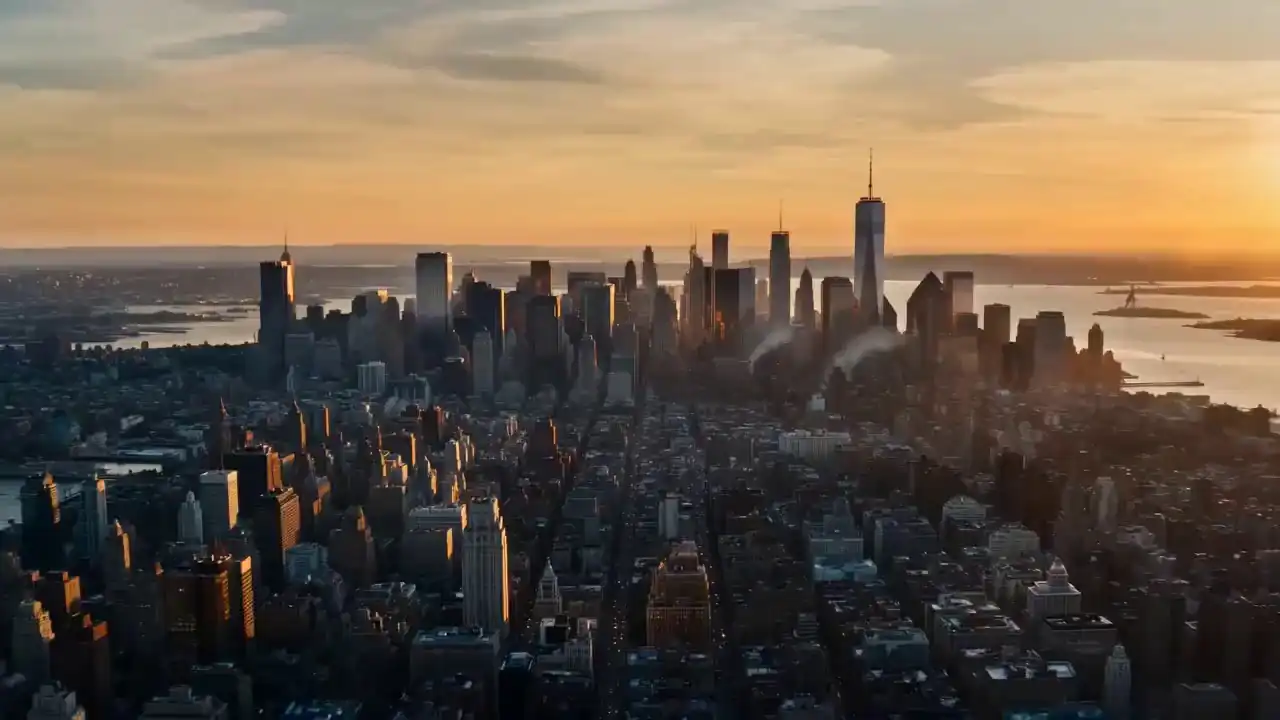
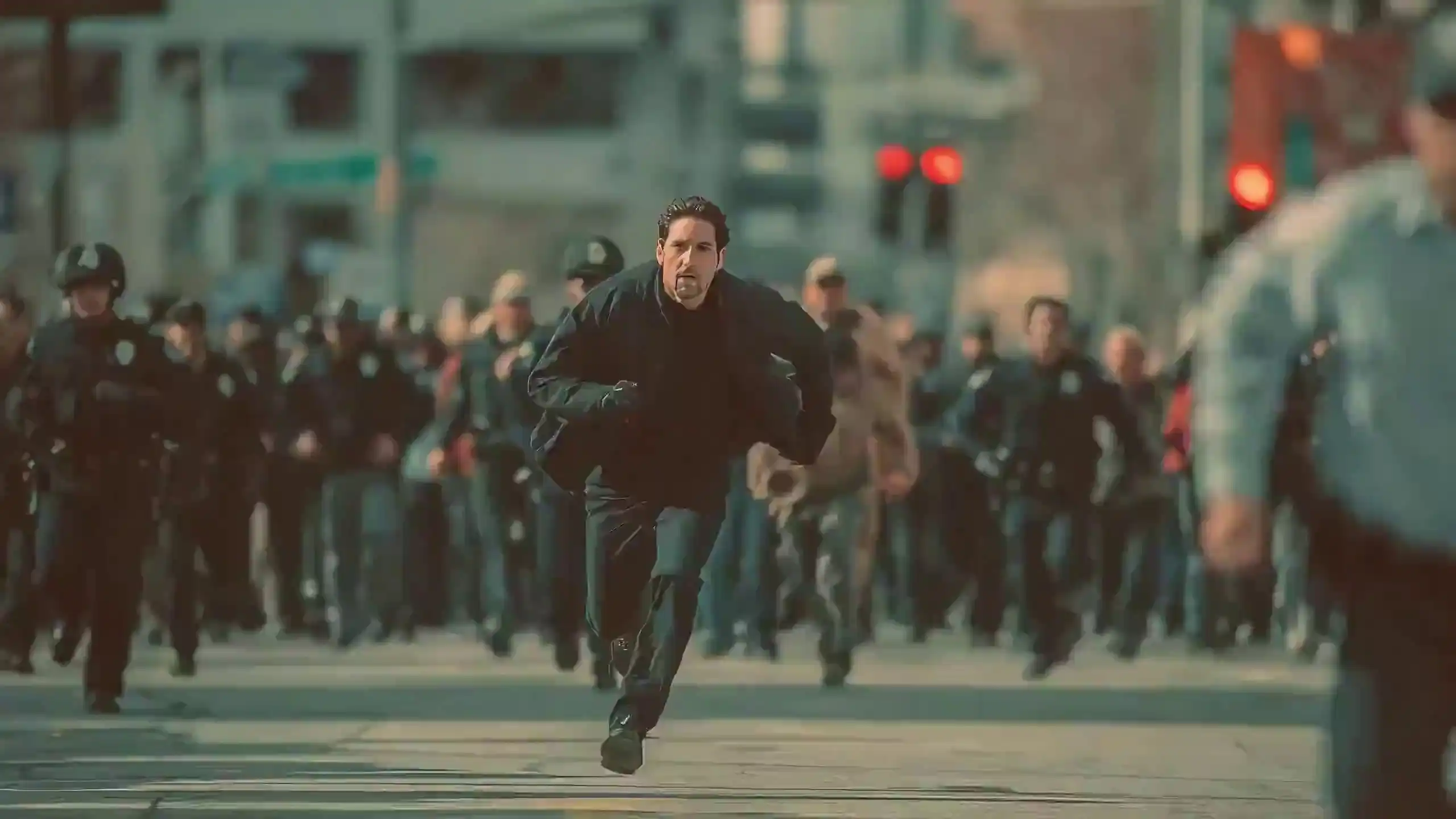
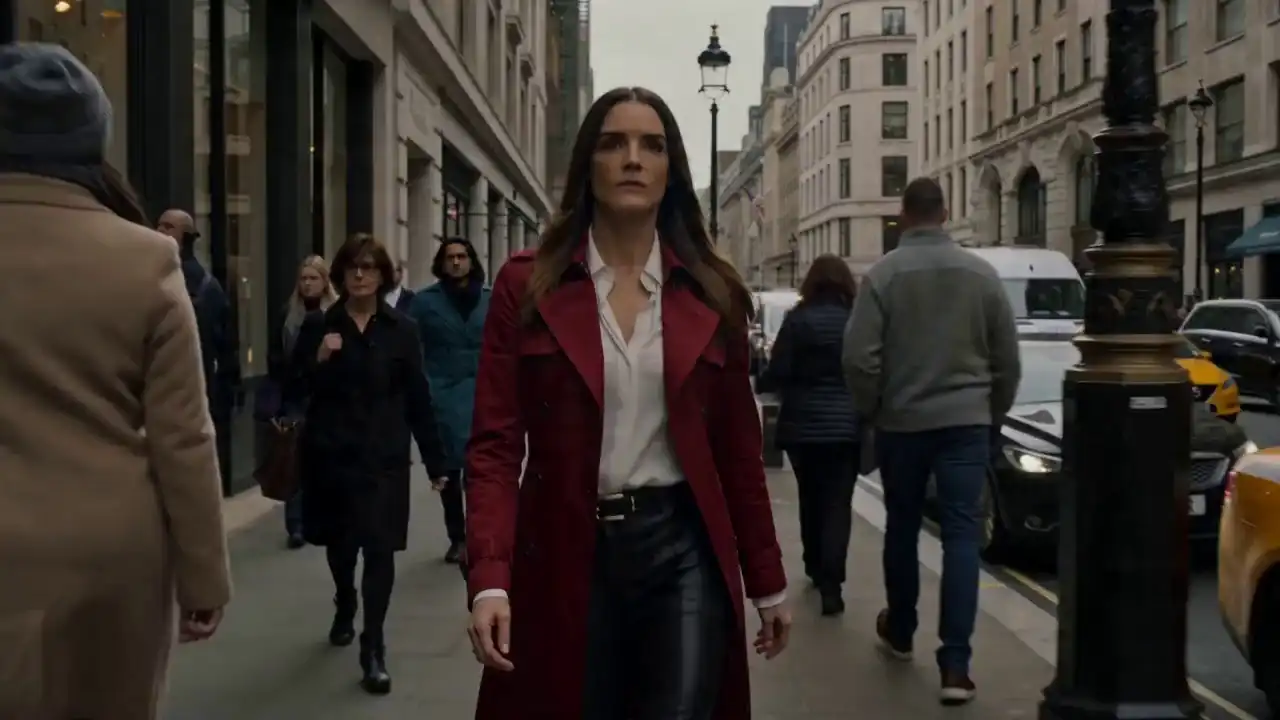



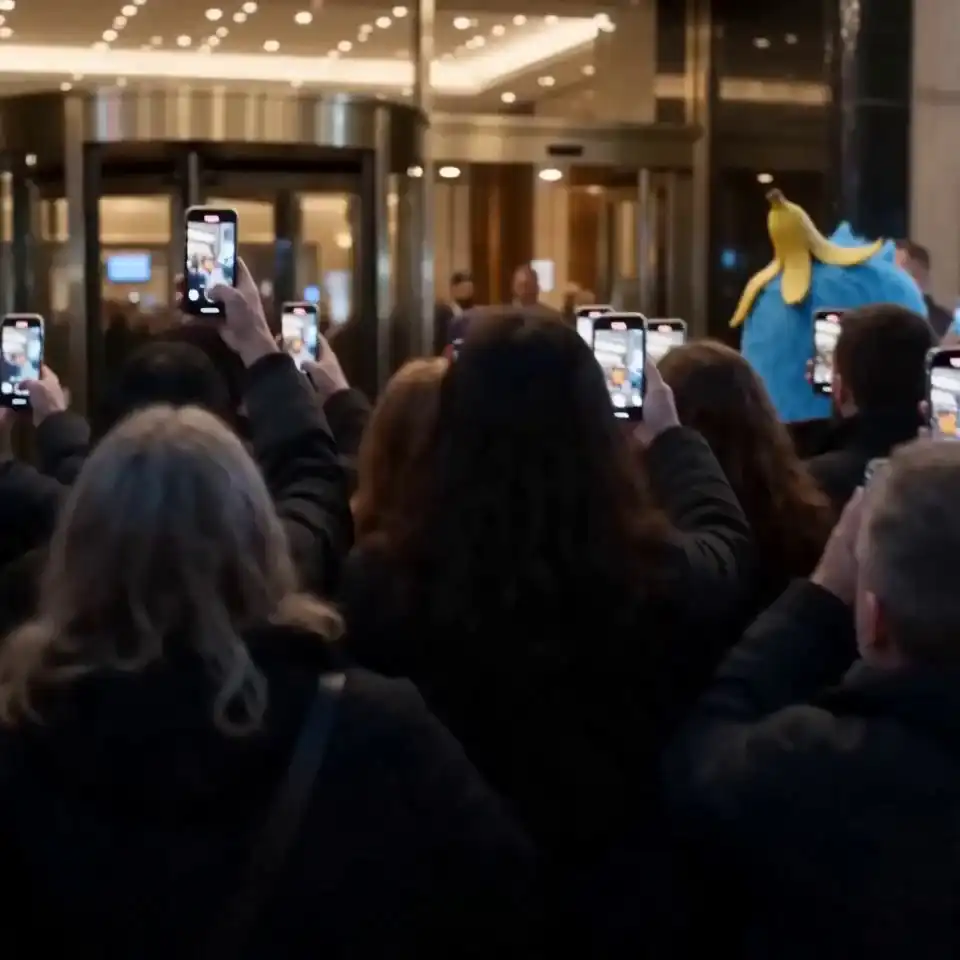
Built for teams and creators who need sharper video output for social, ads, and product content.
If you're posting to YouTube, Instagram Reels, or TikTok, viewers watch on screens that crop tight and zoom in fast — soft, upscaled video shows immediately. Seedance 2.0 4K renders your clip at native resolution from the start, so text overlays, product close-ups, and fast cuts stay sharp. Use a text prompt for quick concept videos, or upload a reference image to keep your visual style consistent across an entire content series without resetting your prompt each time.
Paid ad creative gets scrutinized at full size on desktop and in feed previews, and low-resolution footage undercuts an otherwise strong campaign. With Seedance 2.0 4K, you can generate product ads, brand videos, and promotional clips directly from reference images or brand guidelines, then run several creative variations without booking a production shoot. Character and scene consistency keeps your brand's look steady across every version you test.
Product listings and storefront videos live or die on how clearly customers can see the item. Seedance 2.0 4K turns a single product photo into a moving 4K video that holds the original composition, color, and detail — useful for listing pages, retargeting ads, and social storefronts. You can test a concept from a rough reference image before committing to a full photo or video shoot with your product team.
Agencies pitching concepts to clients need visuals that look finished, not like a rough draft. Seedance 2.0 4K lets you turn a sketch, mood board image, or existing footage into a polished 4K preview fast enough to include in a first-round pitch. If a client wants a small change — a color, a background detail — local area editing lets you adjust it without regenerating the whole clip or missing your deadline.
No installation required. Everything runs in your browser, and you don't need a GPU or any video editing background to get a usable 4K clip on your first try.
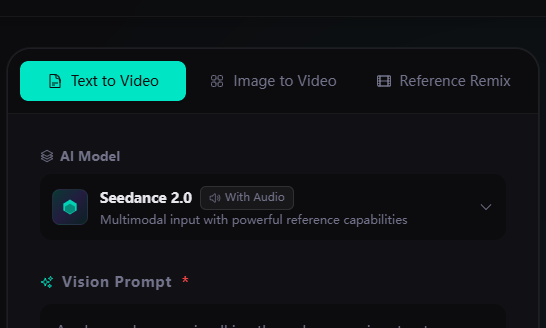
Decide how you want to begin: a text prompt, a reference image, or a reference video. If you're starting fresh, describe the subject, action, camera movement, and mood — for example, "a barista steaming milk in a bright café, slow push-in, warm light." If you already have a product photo or existing clip, upload it instead and let Seedance 2.0 build the motion around it.
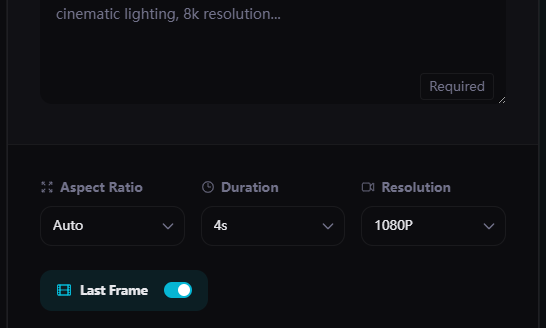
Open the settings panel and select 4K instead of the default 720p or 1080p option, so Seedance 2.0 renders your clip at full native detail. Then choose your duration and pick an aspect ratio that fits where the video is going — 16:9 for YouTube, 9:16 for Reels and TikTok, 1:1 for square posts. Note that 4K uses more credits, so check the total before you generate.
Click generate and review the finished clip once it's ready — check that motion looks natural and any text or logos are sharp. If one detail is off, use local area editing to adjust just that part instead of regenerating the whole video. Once you're happy with the result, download your finished 4K clip.
See what changes when you generate at 4K instead of the standard 720p or 1080p output.
| Dimension | Standard (720p–1080p) | Seedance 2.0 4K |
|---|---|---|
| Native Resolution | Renders directly at 720p or 1080p — no upscaling needed for everyday clips. | Renders directly at native 4K — not upscaled from a lower resolution afterward. |
| Detail Retention | Clean enough for casual social posts and quick concept drafts. | Holds fine detail in text overlays, product textures, and small facial features — matters most when viewers zoom in or watch full-screen. |
| Aspect Ratio Support | 16:9, 9:16, 1:1, and 4:3 — same options as 4K. | Same aspect ratio options, rendered at full 4K resolution instead of standard. |
| Multimodal Input | Accepts text, image, and reference video — same input modes as 4K. | Same input modes — text-to-video, image-to-video, and reference-based generation all support 4K output. |
| Character & Scene Consistency | Maintains character and environment consistency across a sequence. | Same consistency handling, with sharper detail carried through each frame. |
| Local Area Editing | Supports fixing a specific part of a clip without a full regeneration. | Same editing capability — fixes apply at full 4K detail. |
| Credit Cost | Lower credit cost per generation — better for iterating on drafts. | Higher credit cost than standard resolution — check the total before you generate. |
| Best Use Case | Fast concept testing, everyday social clips, quick iterations. | Ads, product demos, landing page hero videos, and anything viewed full-screen or cropped tight. |
One balance covers video and image generation. No subscriptions, no monthly fees.
Credits never expire · Commercial license on all plans · 7-day refund · Stripe payments
Quick answers about 4K generation, formats, and access.
Seedance 2.0 is ByteDance's AI video generator that turns text prompts, images, and reference media into finished video clips. It supports text-to-video, image-to-video, and reference-based generation, with a native 4K output option — Seedance 2.0 4K — for sharper detail on ads, product shots, and social content.
Open the generator, choose your input type — text prompt, image, or reference video — then set your resolution, duration, and aspect ratio before generating. Select 4K in the resolution settings if you want native Seedance 2.0 4K output instead of standard HD.
Create a free account and sign in to open the generator directly in your browser. No installation, download, or GPU is required — Seedance 2.0 and its 4K output option both run entirely online.
Seedance 2.0 uses a credit-based system with three plans: Starter ($10 for 100 credits), Premium ($30 for 330 credits), and Ultimate ($99 for 1,211 credits). 4K generations typically use more credits than standard resolution — check the cost breakdown on the Pricing page before you generate.
Yes. New accounts receive 4 free credits upon registration, enough to generate 1–2 videos before you need to purchase more. These free-generation videos can also be used for commercial purposes.
Seedance 2.0 was officially released by ByteDance on February 7, 2026, supporting multimodal input — text, images, video, and audio — along with native audio and multi-shot generation.
Native 4K output was added to Seedance 2.0 on June 23, 2026, as an upgrade to the existing model rather than a separate release.
Describe the subject, action, camera movement, lighting, and mood in one clear sentence. Specific prompts produce more accurate results than vague ones — for example, "slow push-in on a barista steaming milk in warm morning light" works better than "coffee shop video."
No. Seedance 2.0 runs entirely in your browser, including 4K generation. You don't need to install software, download anything, or own a GPU to use it.
Seedance 2.0 supports multiple resolutions up to native 4K, with aspect ratios including 16:9, 9:16, 1:1, and 4:3. Output is delivered as standard MP4 video, ready to publish or edit further.
Yes. Videos generated with Seedance 2.0 can be used commercially, as long as your use follows the platform's terms of service.
Seedance 2.0 4K renders your clip natively at 4K instead of upscaling from a lower resolution afterward. This keeps fine detail sharp in text overlays, product close-ups, and anything viewed full-screen — standard resolution is faster and uses fewer credits for quick drafts.
Write a prompt, upload a reference, and get your first native 4K video from Seedance 2.0.