 Character
SeedancePro · AI Video Generator
Seedance 2.0 AI video generator —
built to listen.
Drop in a photo, an audio file, or a clip. Seedance 2.0 pulls them together into a single video — same face every shot, lip-sync that actually holds, and footage you can sell.
No subscription
Credits never expire
Commercial license
7-day refund
Click to play
Real output — no post-processing14 more examples below ↓
4s15s
Result view
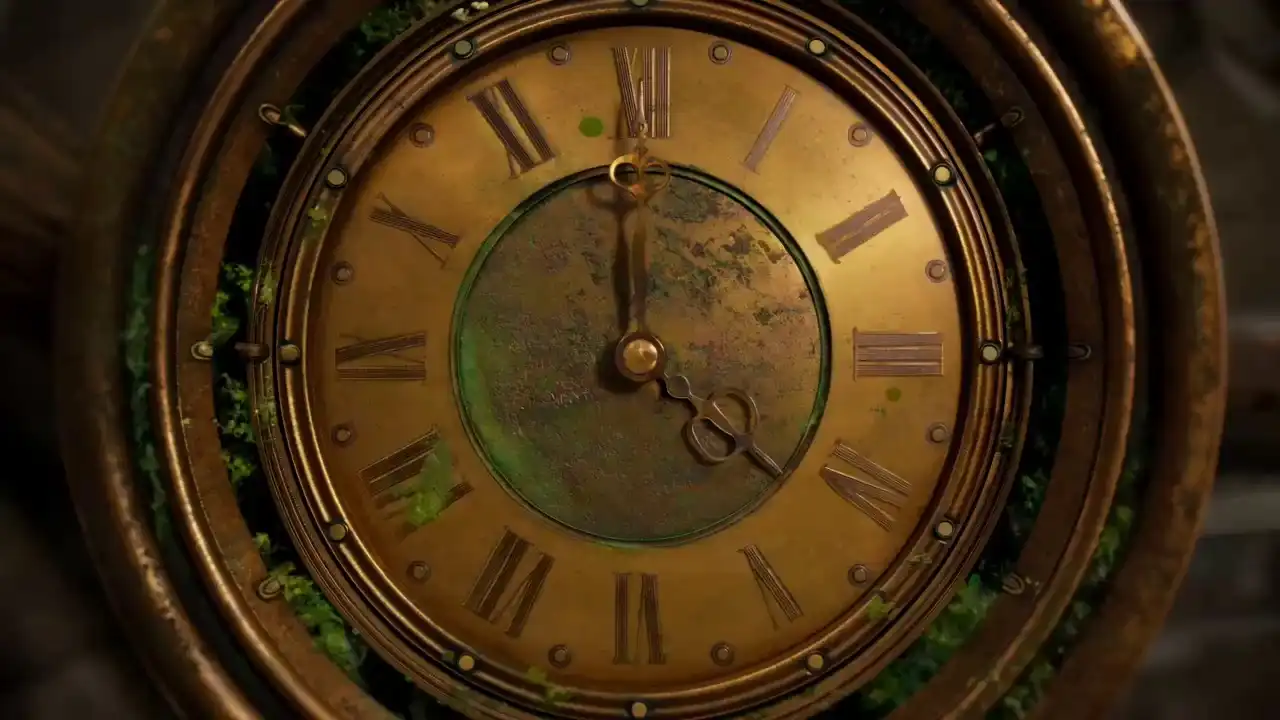
Seedance 2.5 ExampleHover or click to preview
SEEDANCE_ENGINE_V2.0_PRO
16:9 / 5s
idle
Pro Tips
Multi Reference Guide
Seedance 2.5 supports text, image, video, and audio as input references. Combine multiple types of materials to guide AI video generation with greater precision and creative control.
Prompt Guide
Type @ to quickly insert your uploaded files into the prompt.
Select a file to insert it as a reference (e.g. @Image1, @Video1, @Audio1), followed by a clear description (e.g., “A close-up of @Image1 wearing a jacket”) so the AI knows exactly how to use the material.
Material Limits
- Up to 30 reference images (max 30MB each, up to 4K resolution)
- Up to 10 reference videos, total duration ≤ 30 seconds (2s–30s per video)
- Up to 10 reference audios, total duration ≤ 30 seconds (2s–30s per audio)
- Maximum 50 materials in total across all types
Supported Input Combinations
- Optional text + Image
- Optional text + Video
- Optional text + Image + Audio
- Optional text + Image + Video
- Optional text + Video + Audio
- Optional text + Image + Video + Audio
Privacy Note
To protect personal privacy, real human faces cannot be used as multimodal references (such as image or video references). Please use virtual characters or AI-generated faces instead.
Note: Video and audio duration limits are calculated independently (up to 30s each).
Real outputs
Seedance 2.0 AI Video Generator Video Examples — 14 real clips
Real clips — no cherry-picking. Click any video to watch full screen.
Character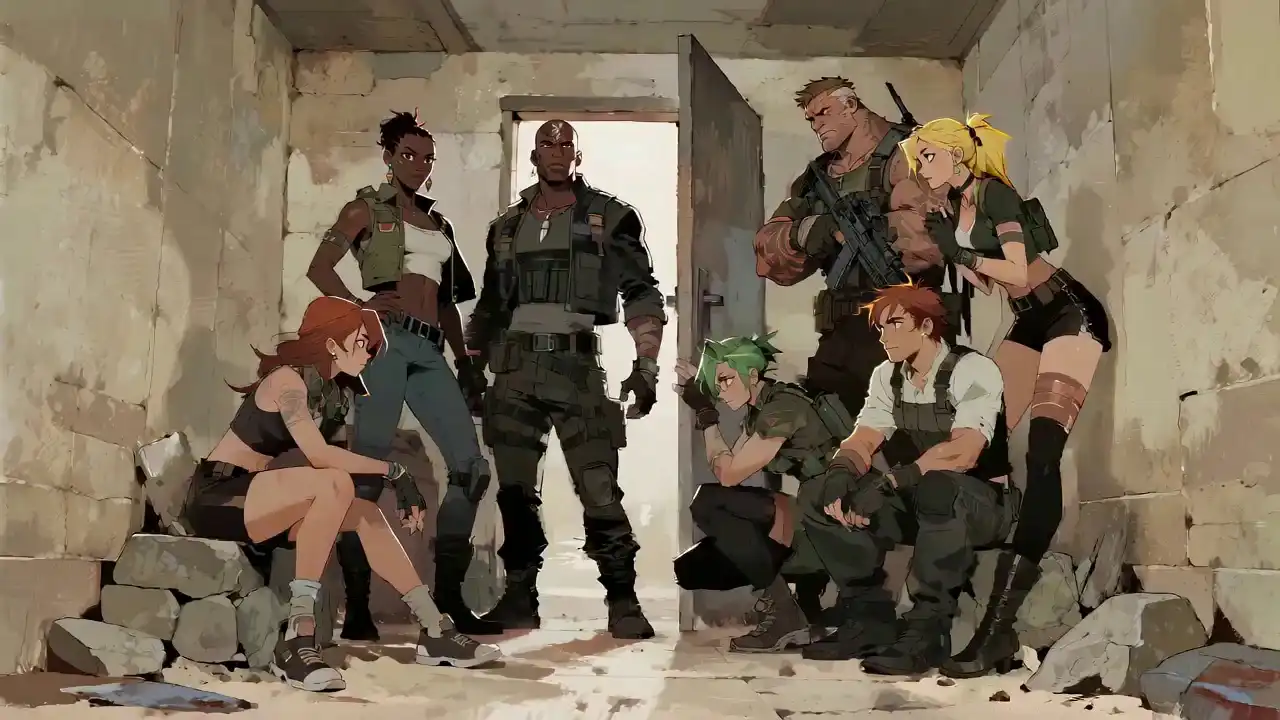 Motion
 Scene
Scene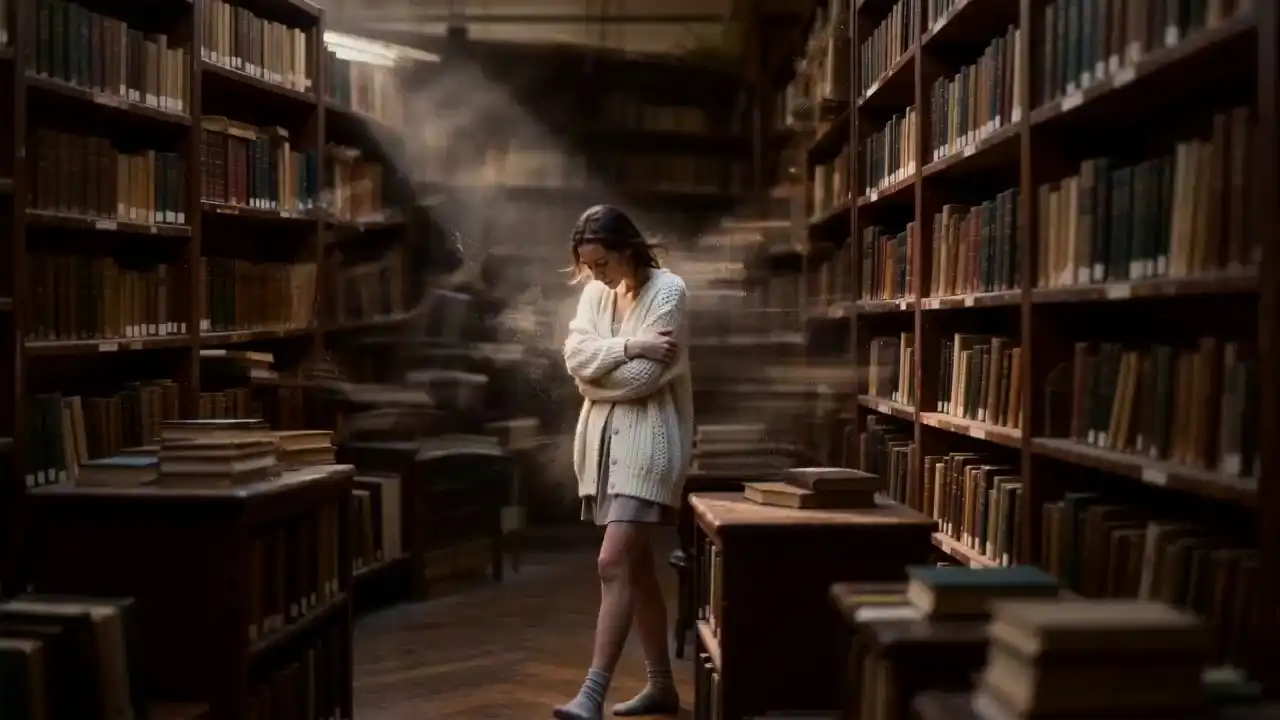 Lip-sync
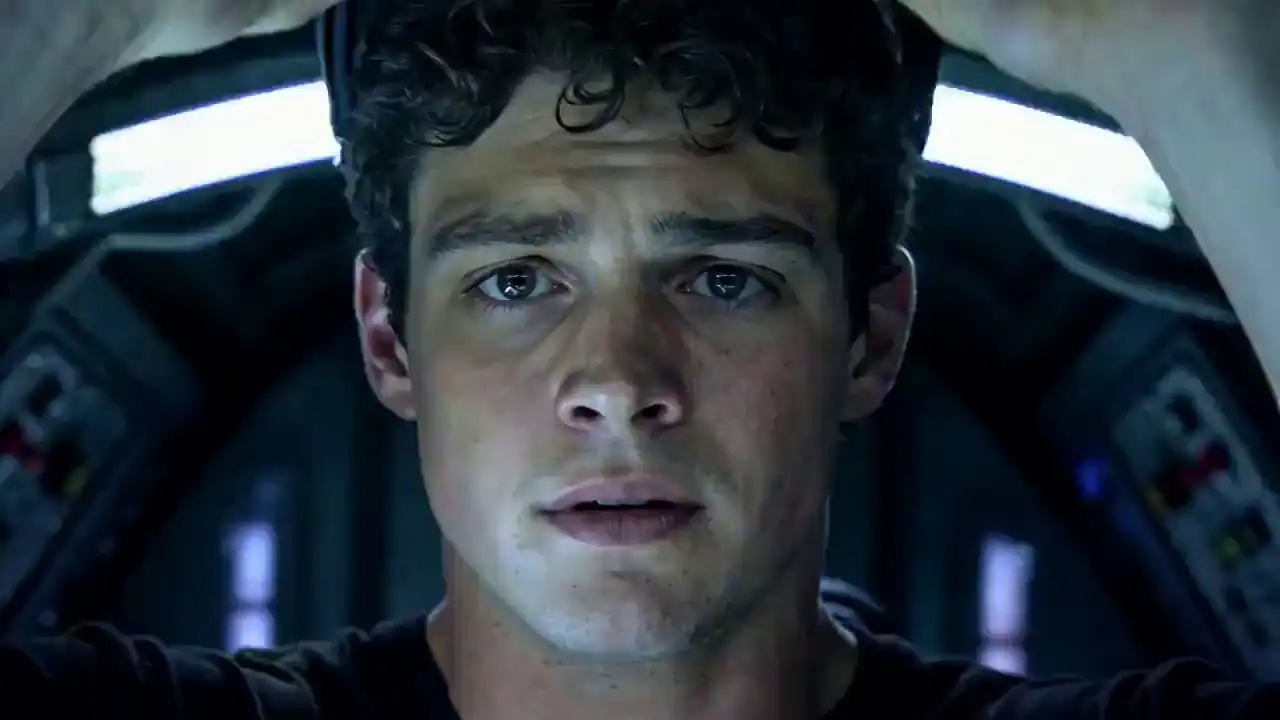 Cinematic
 Portrait
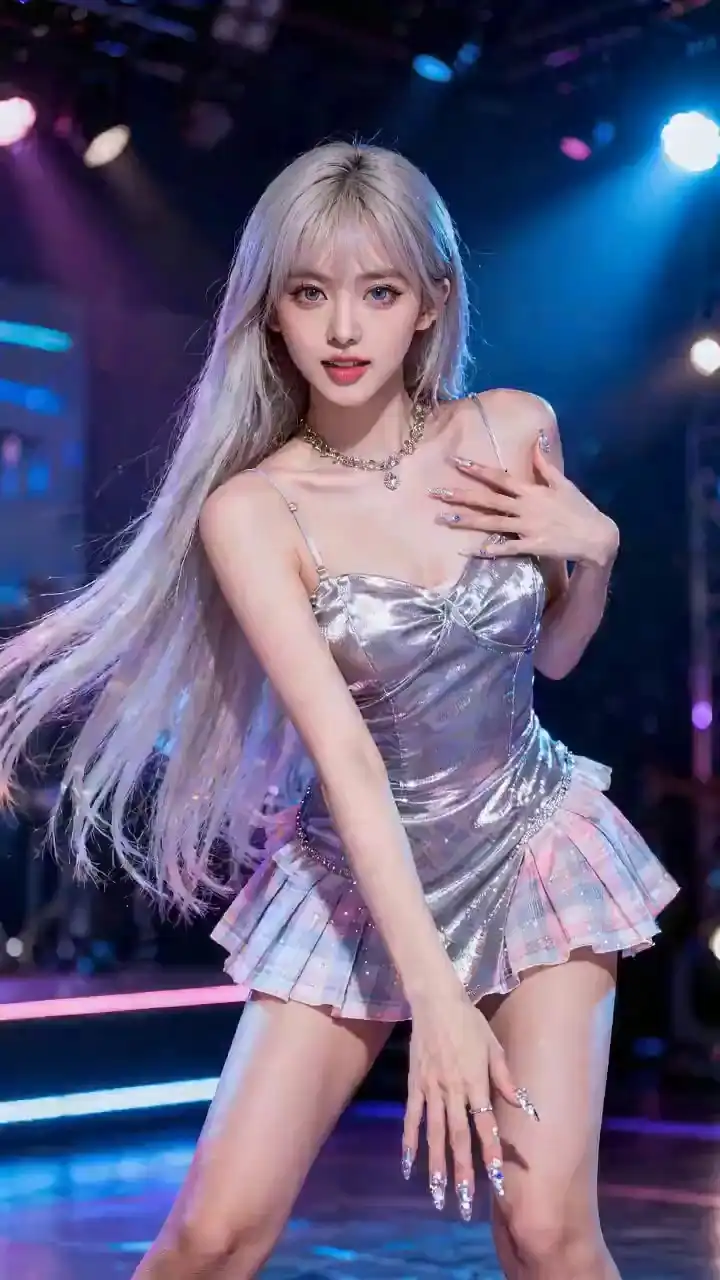 Action
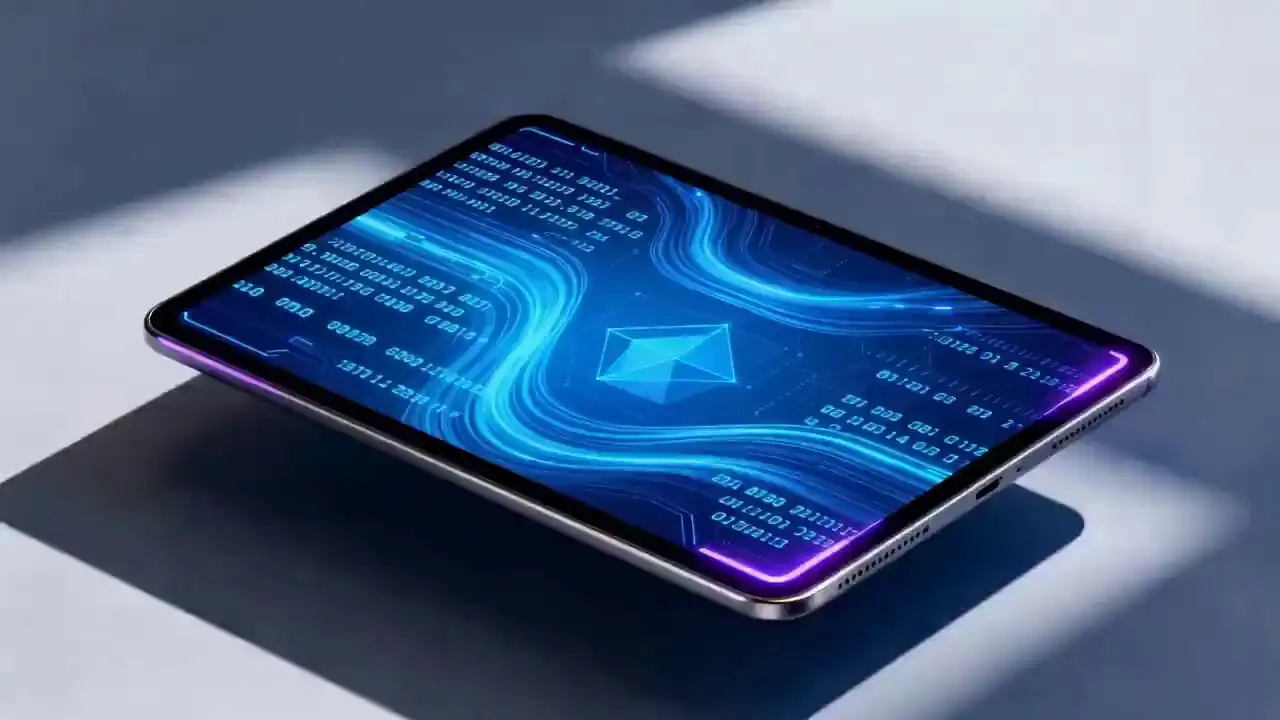 Narrative
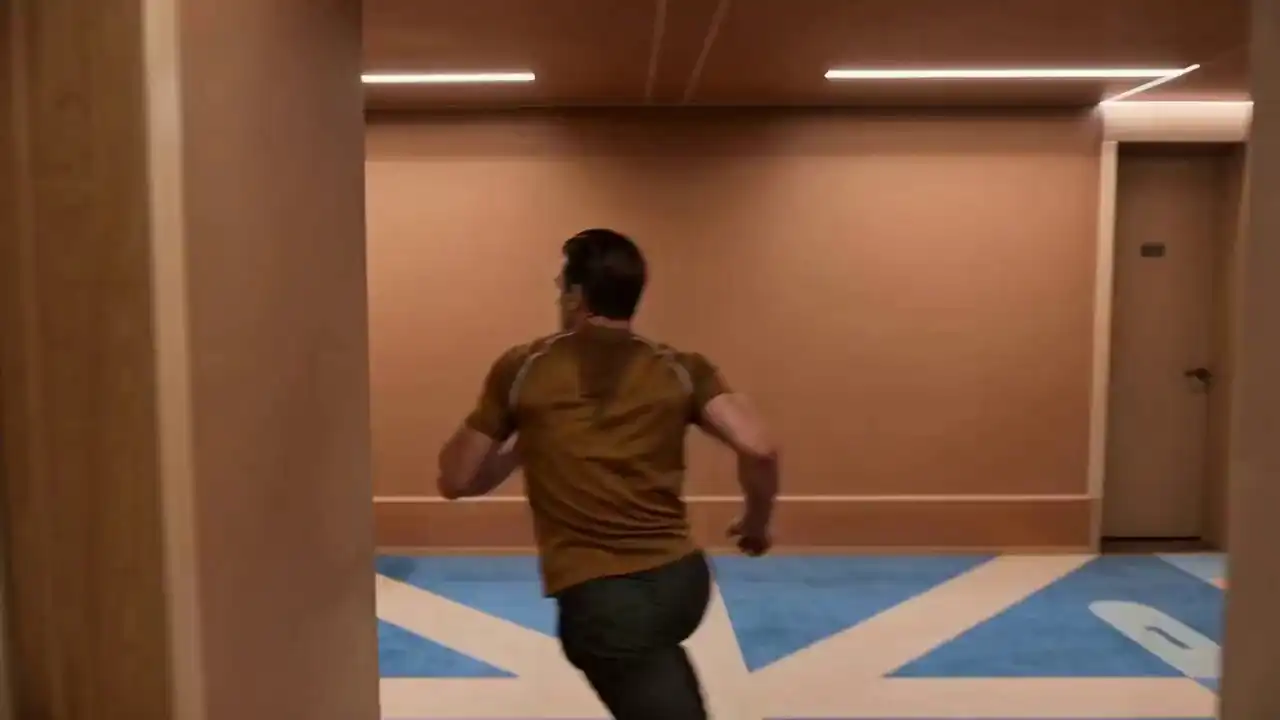 Outdoor
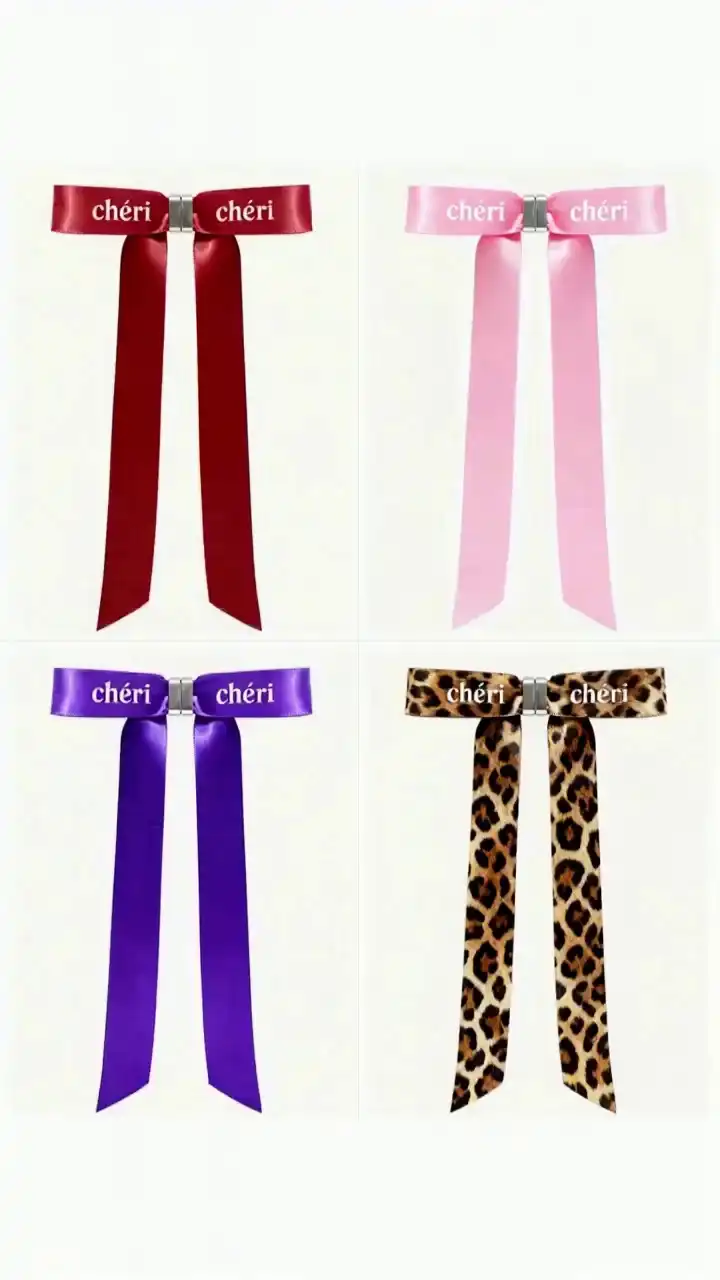 Editorial
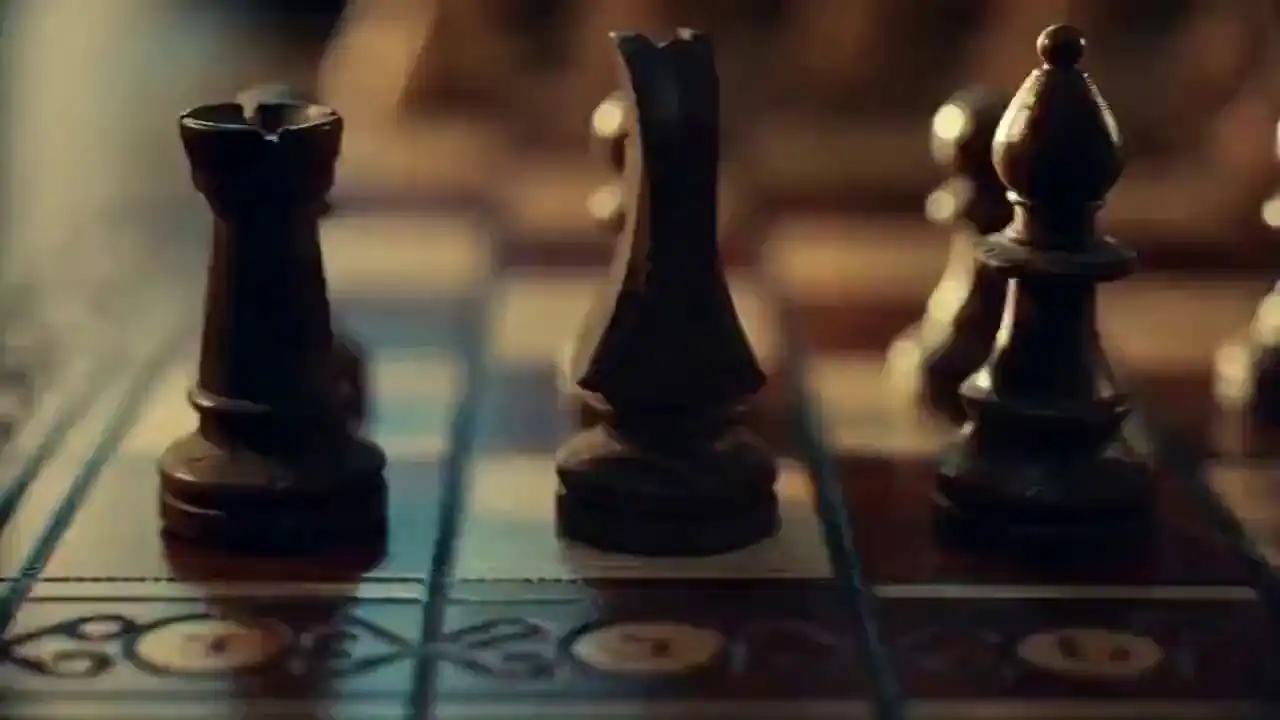 Audio-sync
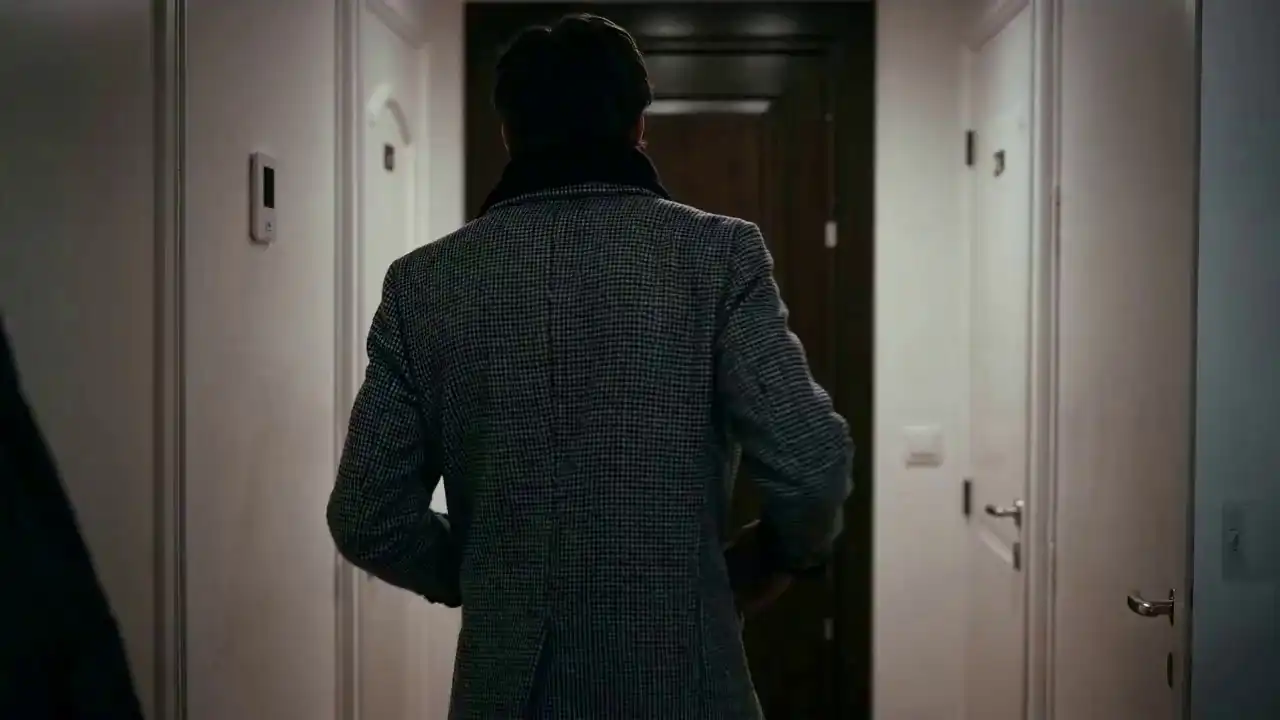 Extension
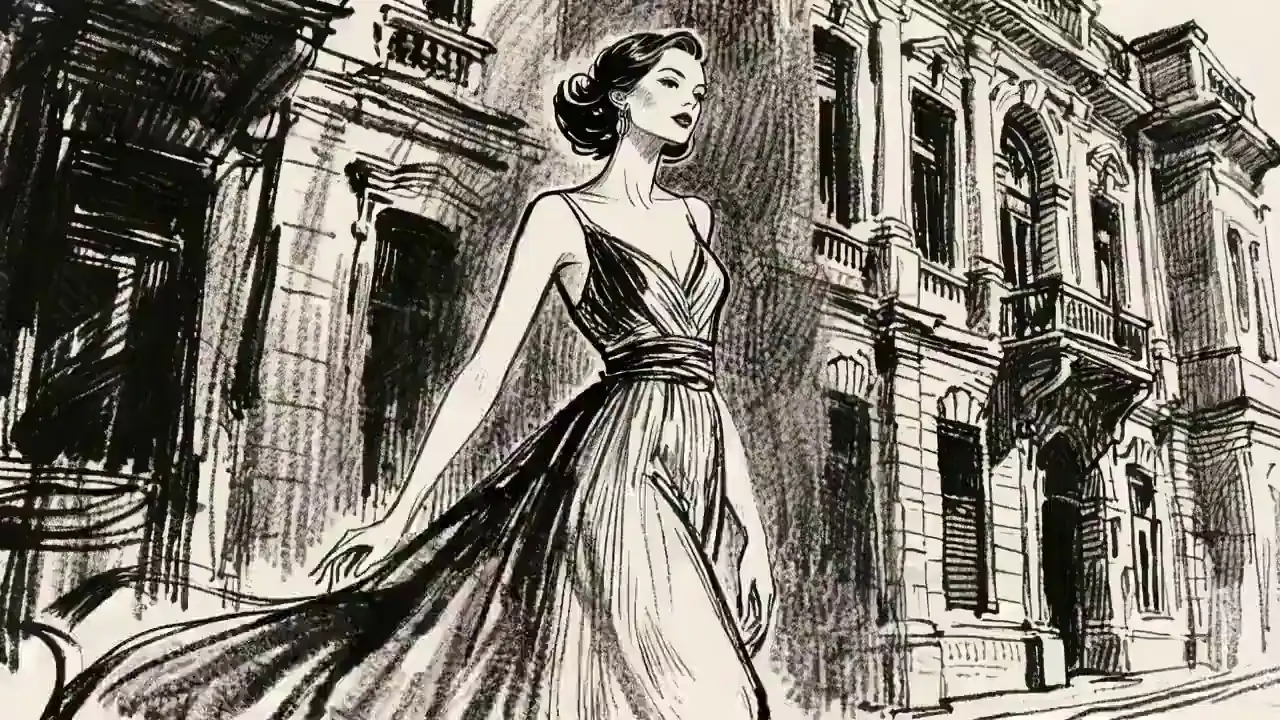 Character
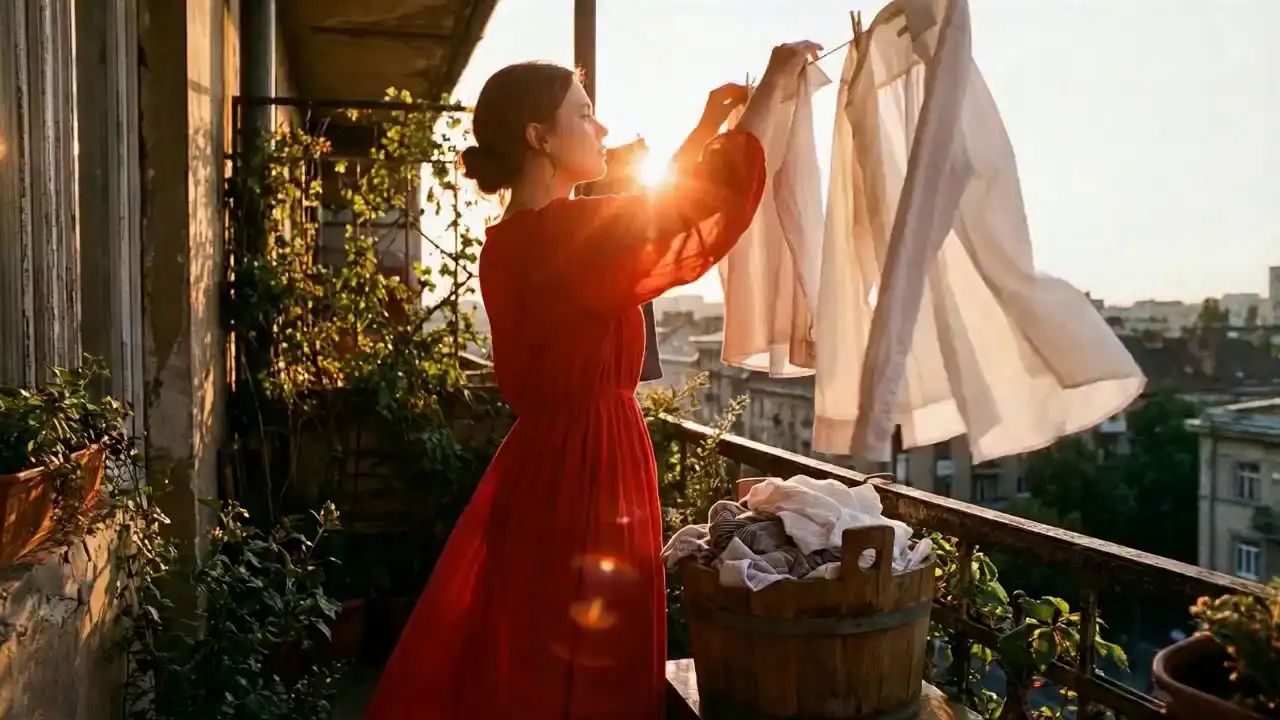 Motion
 Generate your own — from $9.9
No subscription · Credits never expire
How the generator works
What makes the Seedance 2.0 AI video
generator different
Most AI video tools only take text. This generator takes text, images, audio, and video — all at once. Here's what that actually means in practice.
Image
Style & character
Video clip
Motion & camera
Audio
Lip-sync & rhythm
+
Text prompt
Powered by
Seedance 2.0
AI Video
Up to 1080pNo watermarkCommercial use4–15 sec
01
Any asset becomes a reference
Upload images, video clips, and audio files together. Product photos, past ad footage, brand music — whatever you already have becomes the starting point. The generator uses all of them simultaneously.
02
Extend, connect, and edit clips
Extend any clip forward with perfect continuity. Connect two or three independent clips with a generated bridge segment. Or swap elements, add objects, remove backgrounds — without touching the original motion, rhythm, or structure.
03
Reads intent, not just words
Type "melancholy dusk, wide shot pulling back" — and that's what you get. Right angle, right mood, right pace. Even minimal prompts let the model infer what you didn't spell out.
04
Physically accurate motion
People move the way people actually move. Objects land where they should. Lighting shifts don't blow the scene — no rubber limbs, no floating props.
05
Consistent characters across shots
Tag a reference image with @Image in your prompt. The same face, same outfit, same proportions — every frame, every angle, no drift.
06
Lip-sync from any audio file
Upload a voiceover or music track. The generator decodes the waveform and drives mouth movement and body rhythm to match — automatically, down to the millisecond.
Workflow
How it works
Every file is an instruction.
Image sets style, video sets motion, audio sets rhythm.
Step 01
Upload your references
An image for visual style. A video for motion. An audio file for rhythm. Mix and match, or start from a text prompt alone.
Step 02
Write your prompt + tag assets
Describe the scene. Tag what you uploaded: @Image1 for character, @Video1 for movement. That's the full instruction set.
Step 03
Generate, then keep going
Get your clip in seconds. Extend it with Continue Filming, edit specific elements, or use it as a reference for the next shot.
Who uses it
Seedance 2.0 AI video generator
across every production type
From solo creators to enterprise ad teams — same generator, different workflows.
Advertising & Marketing
Turn product photos and brand assets into polished video ads. Maintain visual consistency across every variant — no production crew needed.
AI Short Drama & Series
Generate episode previews and multi-scene storylines with consistent characters. Switch visual styles between episodes without re-describing everything.
Social Media Content
Generate beat-synced Reels, TikToks, and Shorts in minutes. Reference a trending format and apply it to your own footage and brand.
Film & Cinematography
Previsualize complex camera moves before production. Generate dream sequences, memory flashbacks, and hard-to-shoot scenes without a set.
Education & Training
Build character-driven explainers with precise lip-sync. Drop in a voiceover and a character photo — the generator handles mouth movement and body language.
Motion & Dance
Upload a reference choreography clip and apply those movements to any character. Works for dance covers, action sequences, and sports motion replication.
From the people using it
What creators and teams say
about Seedance 2.0 on SeedancePro
Real feedback on specific workflows — not generic praise.
★★★★★
"We produce 3–4 product ad variations per week. Before this, each variant meant a new shoot. Now I upload the product photo, tag it with @Image1, swap the background reference, and get a clean variant in under 10 minutes. The character and product details stay locked across every version."★★★★★
"I'm making a 12-episode AI short drama. The hardest part used to be keeping the main character's face consistent across scenes. With identity persistence, I upload one reference photo at the start and every scene stays on-model — close-ups, wide shots, different lighting."
★★★★★
"I do film pre-visualization for indie directors. The stitch-and-extend workflow changed how I pitch shot sequences. I generate Scene A, extend it forward, then stitch Scene B onto the end. The director sees a continuous sequence instead of three disconnected clips."
★★★★★
"Our game studio uses this for early concept validation. We feed it environment sketches and a reference clip for camera movement, then generate a 10-second walkthrough. The art director and client see the scene in motion before any 3D work starts. Cuts a full revision cycle out of our pipeline."
★★★★★
"I make TikTok dance content. I film myself once with decent lighting, then use that clip as a motion reference for different character styles. What used to take a full Saturday now takes an hour. The motion replication is accurate enough that the lip-sync to my original audio holds up on every variant."
★★★★★
"I produce e-learning content for corporate clients. The ability to give a character a voiceover and get accurate lip-sync without a studio setup is the feature that sold me. I record a clean VO, upload a character reference photo, write a short prompt, and the output is client-ready."
Pricing
Pay once. Credits work
across every model.
One balance covers video and image generation. No subscriptions, no monthly fees.
Starter
$10
credits · one-time
- 100 credits one time purchase
- Access to all AI video & image models
- HD video quality (1080p)
- Commercial use license
- Download enabled
- Email support
Most popular
Premium
$30
credits · one-time
- 330 credits one‑time purchase
- Access to all AI video and image models
- HD video quality (1080p)
- Commercial use license
- Priority download speed
- Priority customer support
- Advanced video effects
Ultimate
$99
credits · one-time
- 1211 credits one‑time purchase
- Access to all AI video and image models
- HD video quality (1080p)
- Commercial use license
- Fastest download speed
- Premium 24/7 support
- Advanced video effects
- Early access to new features
- API access (coming soon)
FAQ
Questions about the
Seedance 2.0 AI video generator
Seedance 2.0 is ByteDance's multimodal AI video generator — it turns text, images, audio, and video clips into a single cohesive clip with consistent characters and precise lip-sync. SeedancePro is an independent platform that hosts the generator in your browser.
Text prompts, PNG/JPG/WebP images, MP4 video clips, and MP3/WAV audio files. Combine up to 9 images, 3 video clips, and 3 audio files per run. Clips run 4–15 seconds.
Upload a reference photo and tag it with @Image in your prompt. Seedance 2.0 locks face, clothing, and proportions for every shot — no drift, no flickering.
720p on Starter; 1080p on Basic, Plus, and Professional. All exports are watermark-free with a commercial license on every paid plan.
Plans start at $9.9 for 900 credits — one-time payment, no subscription. Credits never expire.
No. Seedance 2.0 runs in your browser — no download, no GPU, no local setup. Generation happens server-side on ByteDance video AI infrastructure.
Most text-to-video tools in 2025 only accept prompts. Seedance 2.0 takes images, clips, and audio as direct references — so style, motion, and rhythm stay under your control.
Upload references, write a prompt, and tag files with @Image1 or @Video1. You get a clip in seconds; extend it with Continue Filming or edit elements without reshooting.
Your first AI video is
three minutes away.
Upload a reference image or just write a prompt. See what the generator produces.
Generate your first videoNo subscriptionCredits never expireCommercial license7-day refundStripe payments