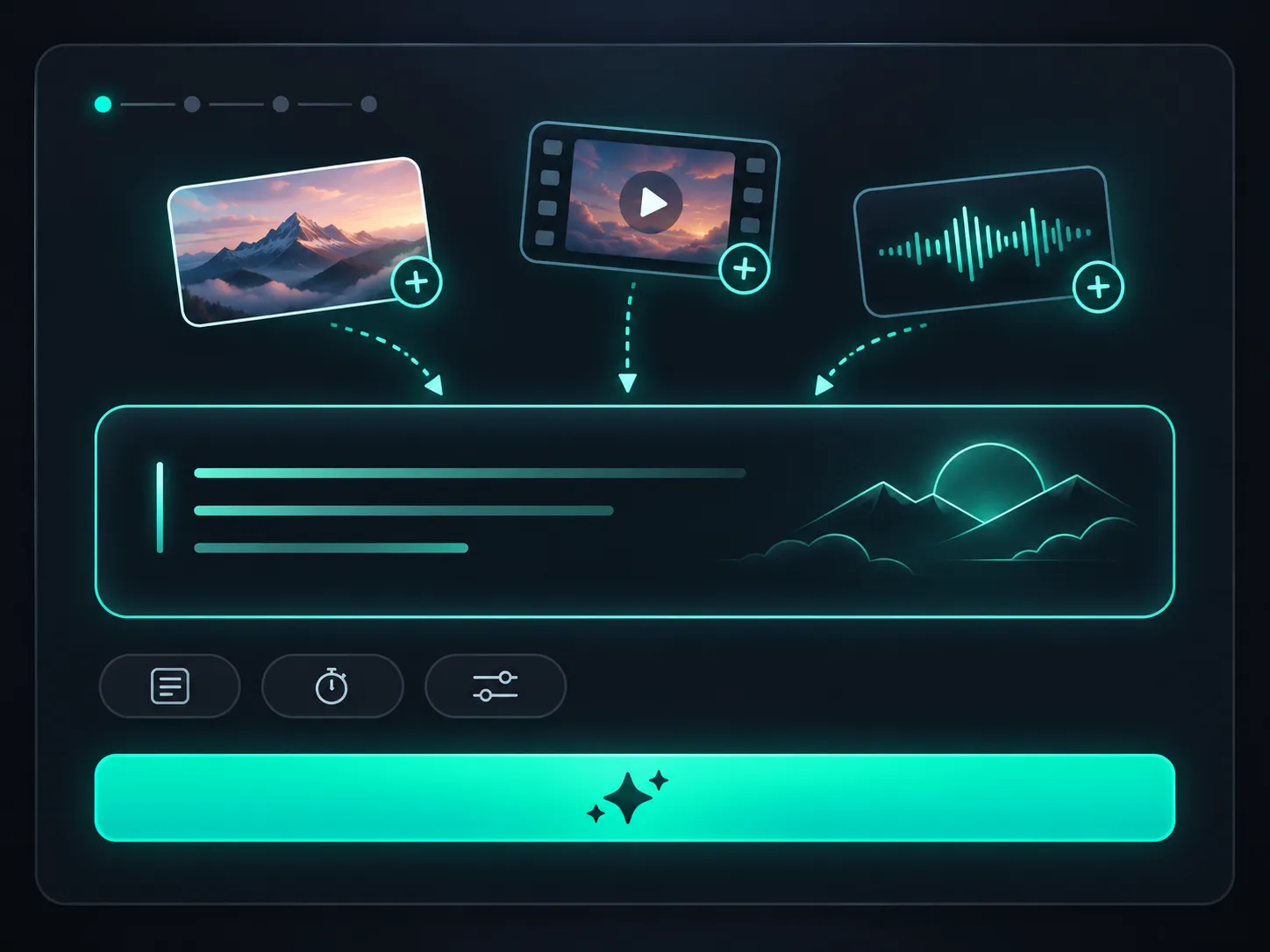
STEP 01
Describe Your Scene or Add References
Enter a text prompt describing your subject, action, setting, and camera movement. Upload supported images, videos, or audio clips if you want to guide specific visual details, motion, or sound.
Create videos from text prompts, first and last frames, or image, video, and audio references. Generate 4–30-second clips with synchronized audio at up to 720p, and explore more creative directions with faster, lower-cost generation.
480p / 720p 4–30s native audio
Want 1080p or 4K? Try Seedance 2.5 →
Estimated credits include output time and any reference video duration.
Pro Tips
Seedance 2.5 Flash supports text, image, video, and audio as input references. Combine multiple types of materials to guide AI video generation with greater precision and creative control.
Type @ to quickly insert your uploaded files into the prompt.
Select a file to insert it as a reference (e.g. @Image1, @Video1, @Audio1), followed by a clear description (e.g., “A close-up of @Image1 wearing a jacket”) so the AI knows exactly how to use the material.
To protect personal privacy, real human faces cannot be used as multimodal references (such as image or video references). Please use virtual characters or AI-generated faces instead.
Note: Video and audio duration limits are calculated independently (up to 30s each).
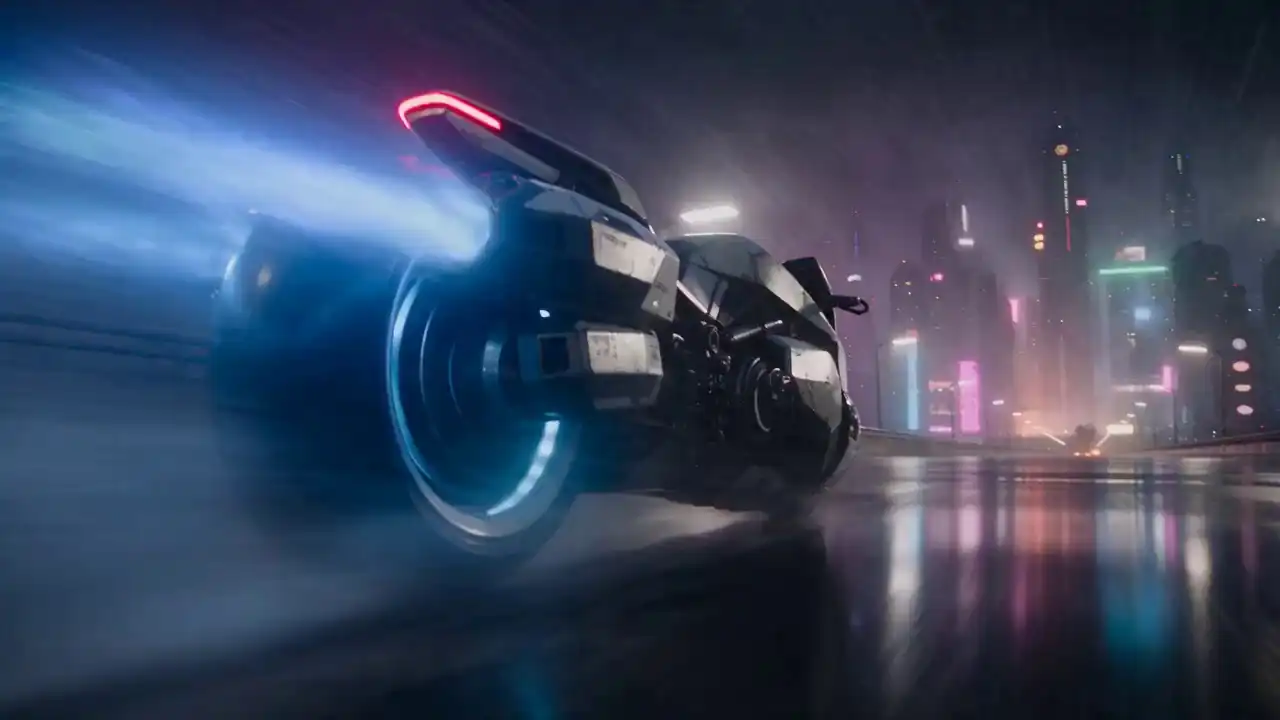
Explore the reference materials, original prompts, and finished videos behind four Seedance 2.5 Flash creations.
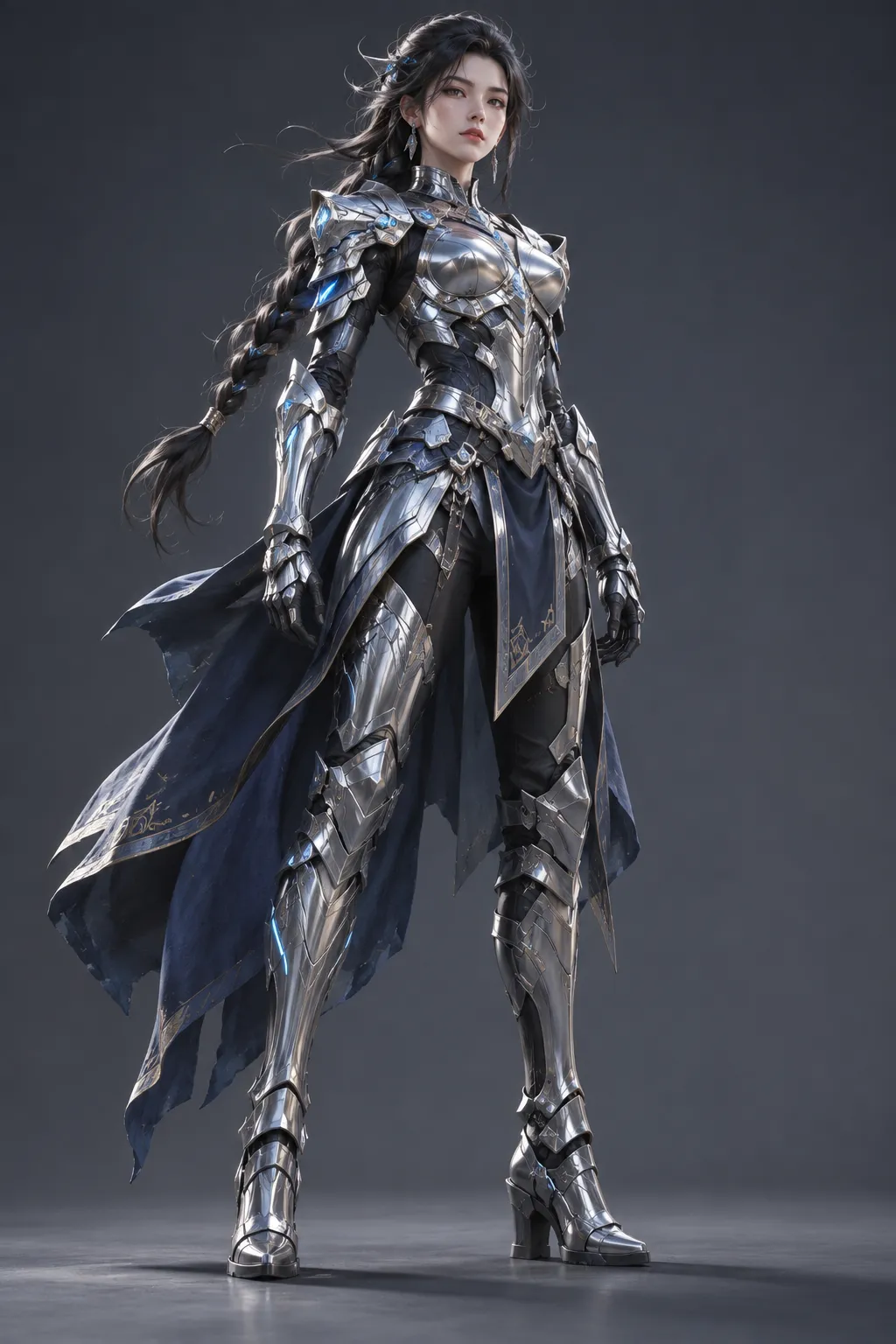
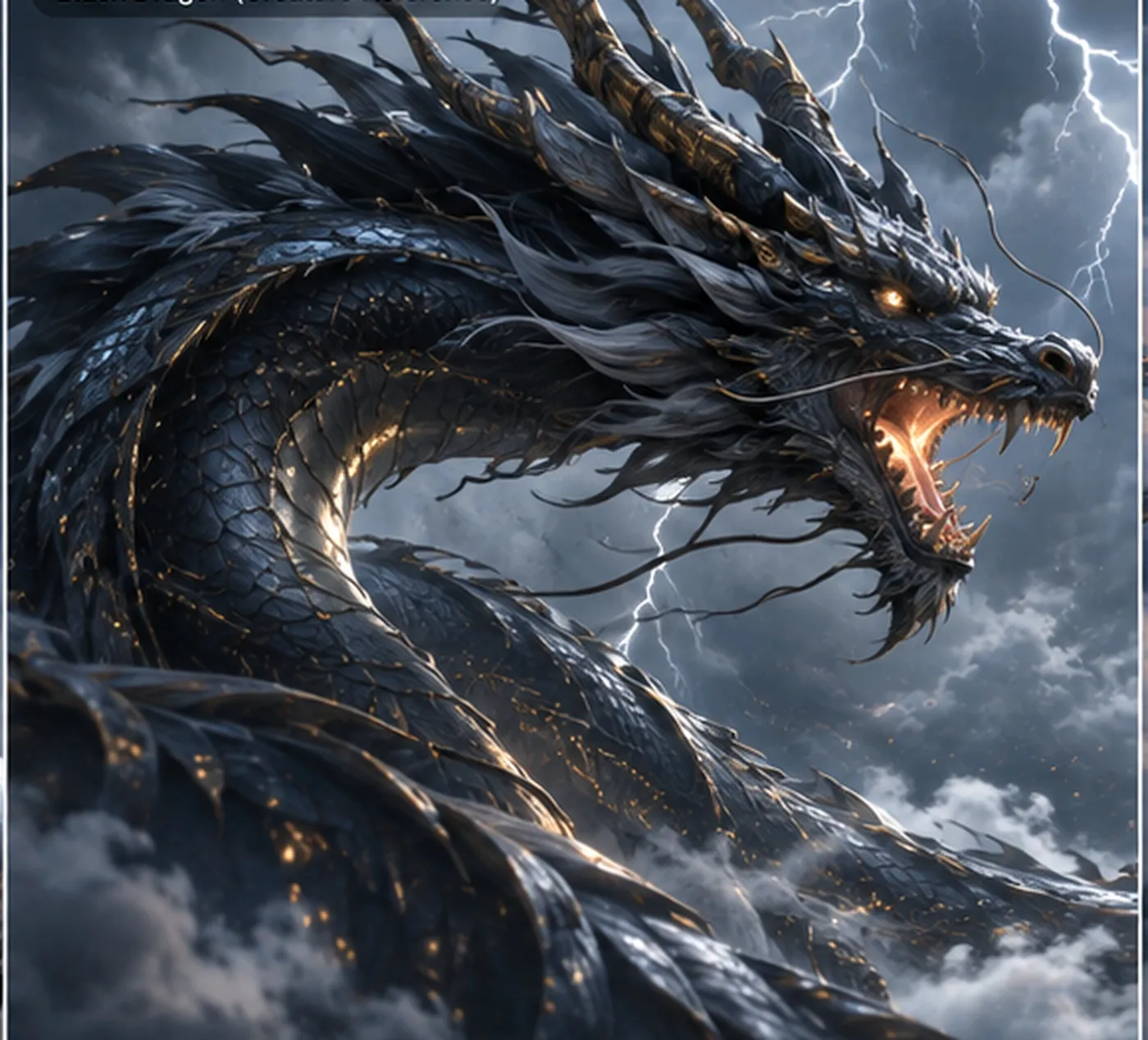
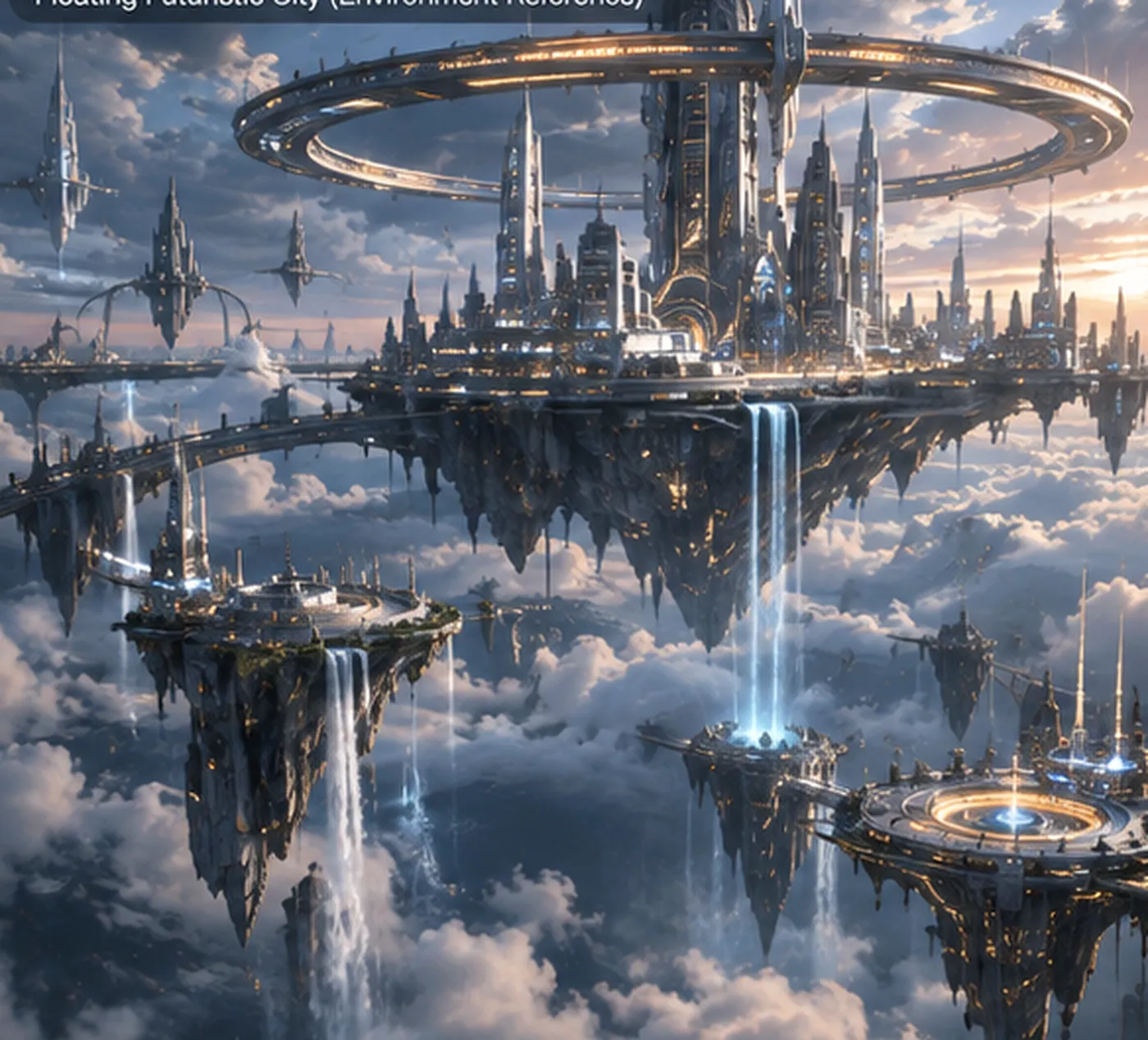
Create an epic fantasy cinematic sequence. Use @Image1 for the original female warrior, @Image2 for the black dragon design, and @Image3 for the floating futuristic city. Follow the dynamic diving camera movement of @Video1 and the atmosphere of @Audio1. The warrior rides the dragon through a violent thunderstorm. The camera follows as they dive between enormous floating towers, narrowly passing futuristic structures. Lightning illuminates the dragon's scales. The dragon breaks through the clouds toward a spectacular golden sunset. One continuous cinematic shot, dramatic scale, realistic motion, volumetric lighting.
Enter a text prompt describing your subject, action, setting, and camera movement. Upload supported images, videos, or audio clips if you want to guide specific visual details, motion, or sound.
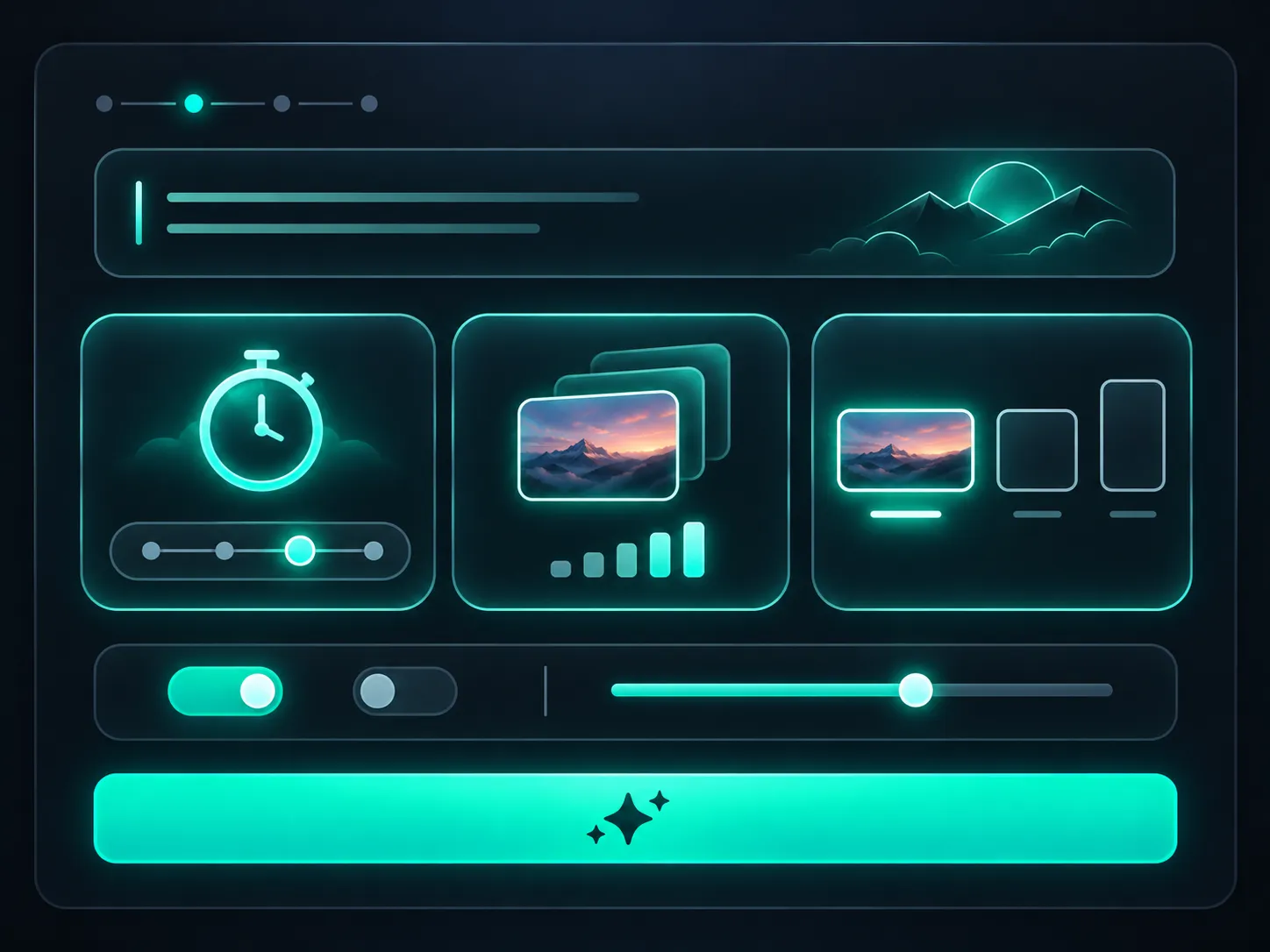
Select a video duration from 4 to 30 seconds and choose 480p or 720p resolution. Adjust the aspect ratio when your generation mode allows it, or let the model adapt it to your reference materials.
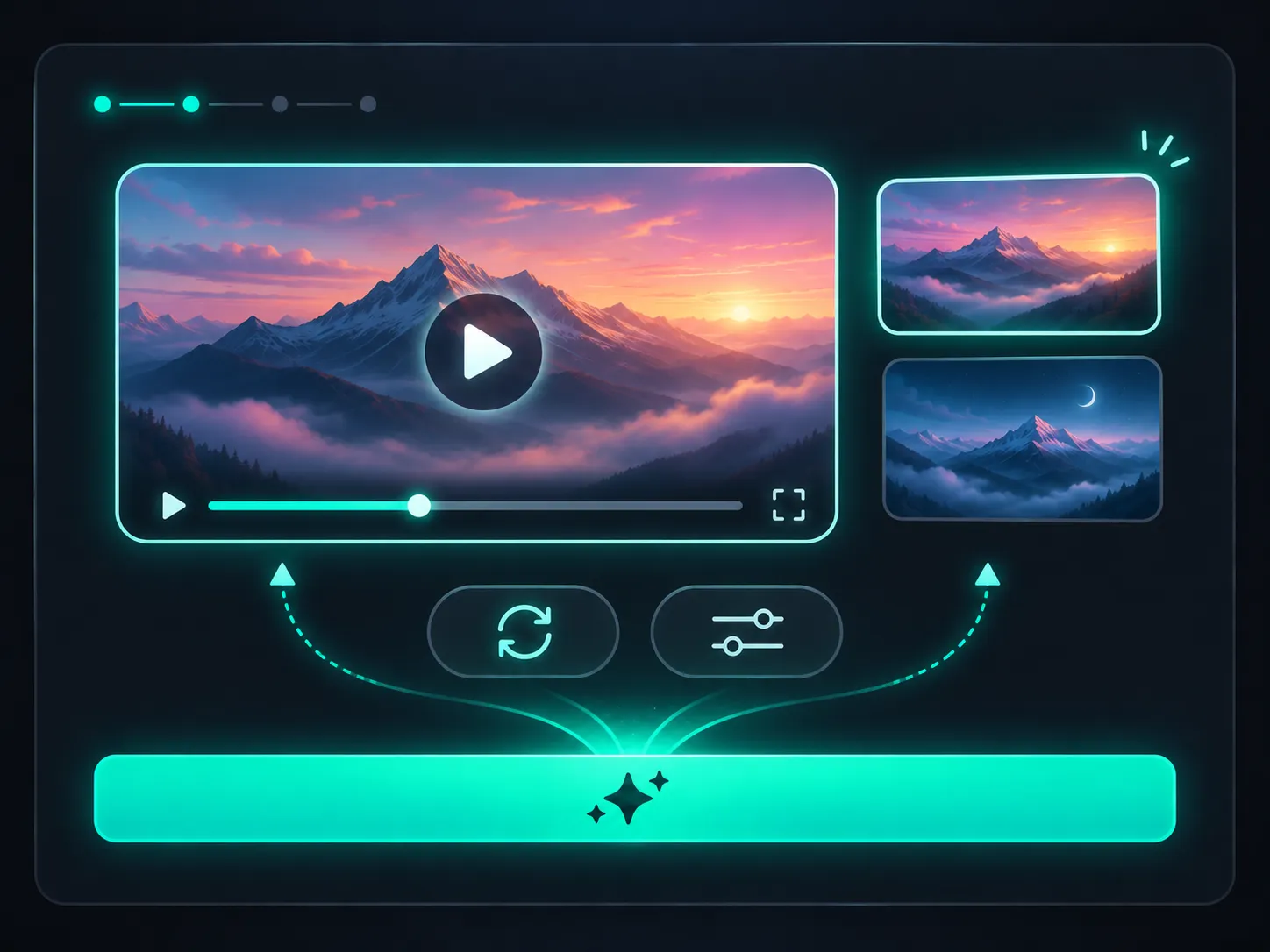
Click Generate Video to start creating. Preview your finished clip, download the result, or refine your prompt and references to try a different creative direction.
Explore different scenes, camera movements, and visual styles without producing each concept manually. Generate variations, compare the results, and identify promising directions before investing more time in production.
Generate a continuous video of up to 30 seconds in one request. Give actions more time to develop, explore longer camera movements, and build scenes with multiple story beats without joining separate short clips.
Use images to establish appearance and composition, videos to demonstrate movement, and audio clips to guide sound. Combine supported references with clear instructions to communicate your intended result more precisely.
Create video and audio together in a single generation. Describe spoken dialogue, background ambience, music, or sound effects in your prompt to help build a more complete audiovisual scene.
Turn campaign briefs into visual concepts before filming or editing. Try different opening shots, product presentations, and scene transitions to compare creative approaches for your next advertising campaign.
Transform supported product photos into animated showcases. Experiment with close-up shots, camera rotations, changing lighting, and product-focused compositions to explore how an item could appear in a promotional video.
Develop video concepts for TikTok, Instagram Reels, YouTube Shorts, and other social platforms. Explore portrait, square, or landscape compositions, depending on your generation mode, and test visual approaches for different audiences.
Convert scene descriptions into short video sequences to visualize your story before production. Explore shot composition, camera movement, character actions, and scene timing while developing a storyboard or creative pitch.
Use supported video editing workflows to modify elements of an existing clip or explore an alternative version of a scene. Extend footage to continue an action, develop the next story moment, or build on a previous generation.
Both models support text-to-video, image-to-video, multimodal references, native audio, video editing, and extension. The main trade-off is between faster, lower-cost experimentation and access to higher resolutions, more references, and Draft Mode.
| Capability | Seedance 2.5 Flash | Seedance 2.5 |
|---|---|---|
| Primary Focus | Faster, lower-cost generation | Higher-resolution production and additional controls |
| Video Duration | 4–30 seconds | 4–30 seconds |
| Output Resolution | 480p, 720p | 480p, 720p, 1080p, 4K |
| Image References | Up to 10 | Up to 30 |
| Video References | Up to 5 | Up to 10 |
| Audio References | Up to 5 | Up to 10 |
| Native Audio | Supported | Supported |
| Video Editing | Supported | Supported |
| Video Extension | Supported | Supported |
| Draft Mode | Not supported | Supported |
Seedance 2.5 Flash is a practical choice when you want to test multiple prompts, explore creative variations, or generate video concepts while keeping costs lower. Choose it when 480p or 720p output meets your project requirements.
Choose the standard Seedance 2.5 model when your project requires 1080p or 4K resolution, more reference materials, or Draft Mode. These capabilities are useful for workflows that need additional production controls.
Need higher-resolution video? Explore Seedance 2.5 ↗Plan your video generations based on duration, resolution, and the reference materials you use. Seedance 2.5 Flash offers a lower-cost model option for experimenting with creative ideas and generating multiple variations.
| Video Duration | 480p | 720p |
|---|---|---|
| 5 seconds | 5 credits | 10 credits |
| 10 seconds | 10 credits | 20 credits |
| 15 seconds | 15 credits | 30 credits |
| 30 seconds | 30 credits | 60 credits |
Base rates: 1 credit per second at 480p and 2 credits per second at 720p.
These examples apply to generations without a reference video input. For video-input workflows, billing may also account for the duration of the input video.
Check the final credit estimate in the generator before submitting your request.
Seedance 2.5 Flash generates videos at 480p or 720p. Higher-priced credit packages do not unlock additional resolutions for this model. If you need native 1080p or 4K output, choose the standard Seedance 2.5 model.
You can combine supported reference materials, but each input type has its own limits. Reference videos and audio must also meet duration, file format, and size requirements. The total duration of reference videos or audio clips cannot exceed 30 seconds for each respective input type.
Seedance 2.5 Flash does not support direct uploads of reference images or videos containing real human faces. Use other eligible reference materials that meet the model’s content requirements.
Draft Mode is available in the standard Seedance 2.5 model, but not in Flash. You can still generate videos at 480p to test ideas, although these are regular generations rather than Draft Mode previews.
Some generation modes automatically match the aspect ratio of your input material. For first-frame, first-and-last-frame, video editing, and video extension tasks, the model uses an adaptive aspect ratio instead of a manually selected one.
Seedance 2.5 Flash is a faster, lower-cost AI video generation model in the Seedance 2.5 family. It supports text-to-video, image-to-video, native audio generation, multimodal references, and video editing or extension workflows. It is designed for creators who want to explore video ideas without requiring higher-resolution output.
Yes. Seedance 2.5 Flash supports first-frame image-to-video generation. Upload a supported image and describe the action or camera movement you want to create. You can also provide first and last frames to guide the beginning and ending of a generated sequence.
Start with a clear subject and action, then describe the environment, camera movement, visual style, and desired sound. If you use reference materials, explain what each reference should contribute. For complex scenes, describe the sequence of events in a logical order.
Yes. The Seedance 2.5 model family supports multilingual audio generation, including English, Chinese, Spanish, Japanese, and other languages. Specify the intended language and dialogue in your prompt to guide the generated speech.
Yes. Svido AI’s paid plans include a commercial-use license, subject to applicable terms. Make sure you have the necessary rights to any reference images, videos, audio, logos, or other third-party materials used in your projects.
Your prompts, uploaded files, and generated videos are stored for up to 6 months so you can access your creation history. Your content is not used for model training without your consent, and you can delete individual creations at any time. For more details, see our Privacy Policy.
Turn your next idea into an AI video. Describe your scene, add supported references if needed, and start generating with Seedance 2.5 Flash on Svido AI.
Generate with Seedance 2.5 Flash ↗