GPT-6 Astra + Blender + Seedance 2.5: AI Video Workflow
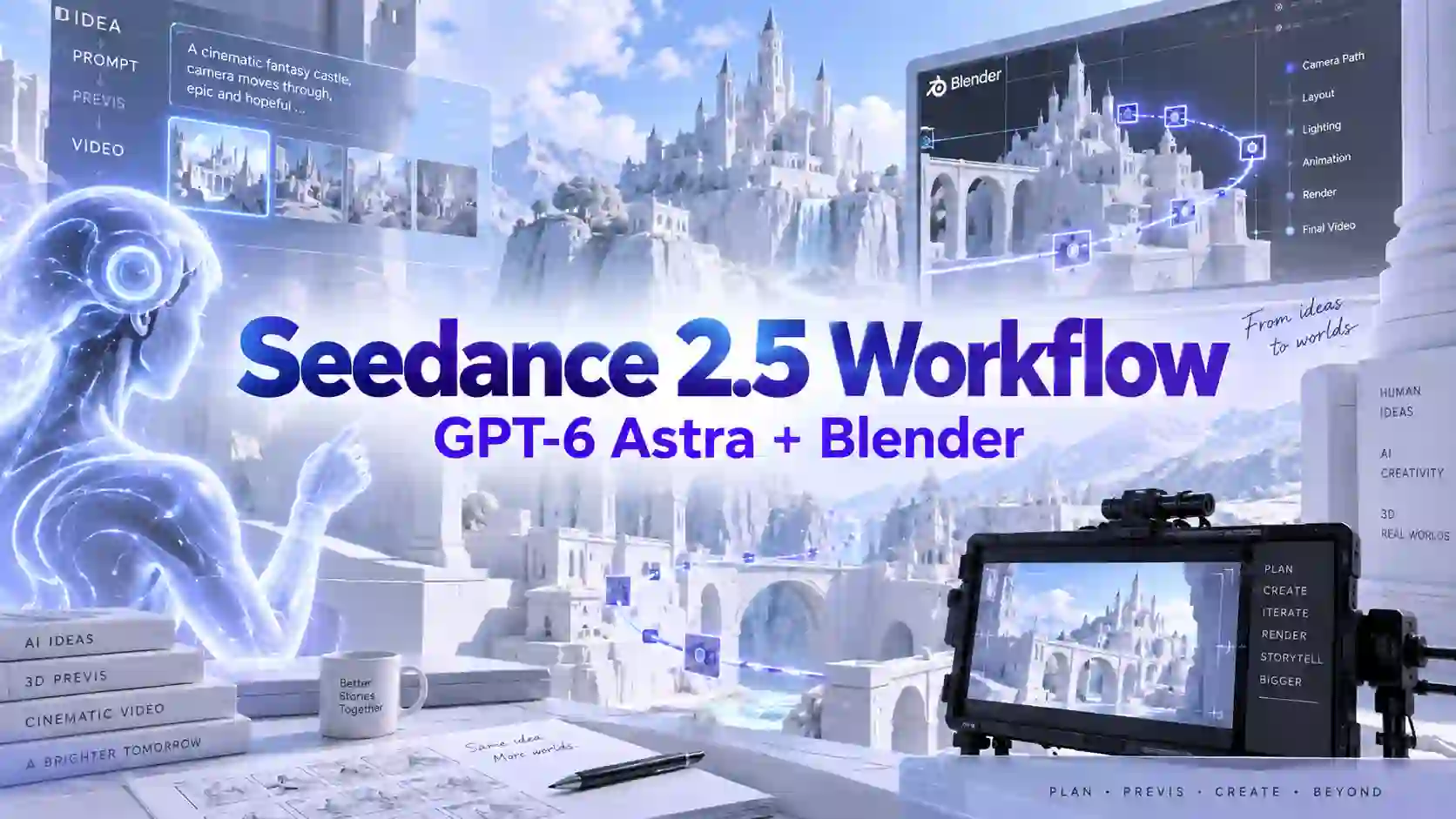
AI video is getting better at producing impressive individual shots. The harder problem is keeping those shots connected.
A new workflow offers a practical answer:
Build the world first. Then let AI film inside it.
GPT-6 Astra makes this approach more accessible. OpenAI introduced Astra on September 3, 2026 with major improvements in coding, computer use, and complex multi-step work. OpenAI also demonstrated Astra modeling a house in Blender and turning it into an explorable 3D environment, showing why the model can be useful for planning and constructing visual workflows, not just writing prompts.
Combine that with Blender previs and Seedance 2.5 white-model reference control, and you get a more structured AI filmmaking workflow.
TL;DR: Build the World Before Generating the Video
Plan the world. Lock the space. Generate the motion.
A practical workflow looks like this:
Brief → Story → 3D Blockout → Character Blocking → Cameras → References → Seedance 2.5
Each layer solves a different problem:
GPT-6 Astra helps organize the brief, shots, scene construction, and multi-step production tasks.
Blender establishes geometry, positions, movement paths, and camera relationships.
Visual references define characters, materials, lighting, and style.
Seedance 2.5 turns those constraints into motion, performance, camera movement, sound, and finished video.
The Blender scene does not need to look polished. It needs to be spatially correct.
Seedance 2.5 builds on that structure to deliver visuals that are both precise and visually impressive.
World-First AI Video Starts With a Consistent Space
Great shots still fail when the world keeps changing.
Imagine a simple sequence:
Bedroom → hallway → stairs → living room → front door.
If every shot is generated independently, the model may need to reinterpret the location every time.
That can create familiar AI video continuity problems:
the bedroom door changes position;
the stairs switch sides;
the living room layout changes;
a character exits frame right but appears from the wrong direction next;
props move between shots.
The uploaded workflow material describes this as a missing-world problem:
❕ separate generations do not automatically share one persistent geometric memory.
Text can describe a location, but it is less reliable at repeatedly fixing exact doors, walls, paths, and orientation.
That suggests a useful rule:
Language describes the world. Geometry keeps it from changing.
This is where Blender previs for AI video becomes useful.
GPT-6 Astra, Blender, and Seedance 2.5 Solve Different Problems
Separate planning, space, and generation.
The workflow becomes easier to understand when each tool has a clear job.
GPT-6 Astra: Plan and Build
GPT-6 Astra is not the video generator in this pipeline.
Its value is upstream:
interpret a creative brief;
organize story beats;
break scenes into shots;
help construct or modify 3D geometry;
organize camera and blocking tasks;
continue complex workflows as requirements change.
For creators, that can reduce the technical barrier between:
“I know the scene I want”
and
“I have a usable 3D previs for it.”
Blender: Lock Spatial Truth
Blender provides the spatial truth layer.
It can establish:
room layout;
major props;
character positions;
movement routes;
camera locations;
shot direction;
distance between subjects.
The uploaded material describes this layer as a Spatial Blueprint: it does not need to produce the final aesthetic image; it only needs to answer the geometric questions consistently.
Blender does not need to create the final frame. It needs to make the space reliable.
Seedance 2.5: Turn Structure Into Video
Seedance 2.5 handles the temporal and cinematic layer.
Seedance 2.5 highlights white-model control, professional camera movement, and performance blocking. Its clay-render workflow can use textureless 3D references to guide spatial structure, character poses, motion paths, camera angles, composition, and blocking.
That makes Seedance 2.5 a natural final stage for:
character motion;
physical interaction;
camera movement;
lighting;
atmosphere;
audiovisual generation.
What Do You Need Before World-First Seedance 2.5 Workflow?
Keep the setup simple enough to change.
You do not need a finished 3D production.
For most Seedance 2.5 Blender workflows, start with four things.
1. A Simple Story Brief
Define:
characters;
location;
main action;
important story beats;
starting state;
ending state.
2. A Basic Blender Scene
Model only what affects the shot:
walls;
doors;
stairs;
large furniture;
important props.
3. Character Proxies
Simple humanoids or low-detail models are enough for:
position;
scale;
movement;
interaction.
4. Final Visual References
Use separate references for:
faces;
costumes;
materials;
lighting;
art direction.
Do not spend hours polishing a blockout that will never appear in the final video.
7-Step GPT-6 Astra + Blender + Seedance 2.5 Workflow
Solve expensive mistakes before generation.
Step 1: Turn the Brief Into a Shootable Scene
Before opening Blender, define:
Who is there?
Where are they?
What happens?
In what order?
How does the scene end?
💡 GPT-6 Astra can help turn a loose concept into:
Story beats → Locations → Actions → Shots
Step 2: Build the 3D Blockout
Create only the geometry needed to understand the space.
For example:
floor + walls + doors + stairs + major props.
💡 The rule is:
Build for geometry, not beauty.
A simple blockout is easier to modify when the story changes.
Step 3: Block Character Movement
Put basic characters into the scene and run through the action.
💡 Define:
Start position → Route → Interaction → End position
Check:
direction;
distance;
timing;
collisions;
entry and exit points.
The uploaded workflow recommends walking the entire scene in rough form before generating polished footage because spatial mistakes are much cheaper to fix at this stage.
Step 4: Place and Test the Cameras
Lock the camera logic before generation.
Define:
camera position;
height;
viewing direction;
shot size;
camera path;
start frame;
final frame.
💡 A useful rule:
Do not ask every generation to invent a new camera. Decide the cameras first.
This is especially valuable for multi-shot AI video, where several generations need to feel like they were filmed on the same set.
Step 5: Export White-Model Previs
Export whichever format best communicates the shot:
viewport animation;
clay render;
white-model animation;
key frames.
The output does not need finished textures or lighting.
💡 What matters is:
composition + perspective + movement + blocking + spatial relationships
Spatially correct beats visually finished.
Step 6: Add Character and Style References
💡 Now separate structural information from visual information.
Use the 3D reference for:
geometry;
camera;
shot scale;
movement paths;
blocking;
pacing.
Use visual references for:
character design;
costume;
materials;
lighting;
color;
art direction.
Use 3D for where. Use images for how it looks.
Step 7: Generate With Seedance 2.5
Seedance now receives more than:
one image + one vague prompt.
Instead, you can provide a structured creative package:
spatial reference;
character reference;
camera reference;
style reference;
action instructions;
final story beat.
This reduces how many decisions the video model must invent simultaneously.
💡 The goal is to leave Seedance 2.5 more room for what it does best:
motion + performance + cinematography + atmosphere
Try Seedance 2.5 AI Video Generator
Four White-Model Previs Seedance 2.5 Video Examples
Different blockouts solve different production risks.
The uploaded source collection includes examples centered on dynamic white-model previs, architectural camera previs, and GPT-6 + Blender blockout workflows. A fourth useful application is complex action previs.
Dynamic Previs: Test Motion Before Style
Make sure the movement works first.
Use a simple white-model animation to test:
movement trajectory;
timing;
camera follow;
subject-camera distance;
entry and exit direction.
💡 The key question is:
Does the subject move through the shot correctly?
Architectural Camera Previs: Test the Space
Make sure the camera can physically get the shot.
Architectural previs focuses less on character performance and more on:
room connections;
camera planning
camera clearance;
perspective;
vertical movement.
3D environment consistency
This is especially useful for architectural AI video, hotel walkthroughs, large interiors, and continuous camera scenes.
Full Scene Blockout: Keep Multiple Shots in One World
One scene should support many cameras.
A full blockout goes beyond testing one action.
It establishes:
environment;
characters;
props;
movement;
cameras;
spatial relationships.
💡 The goal is simple:
Shot 1 and Shot 8 should still feel like they were filmed on the same set.
This works well for:
dialogue scenes;
multi-room sequences;
episodic AI drama;
longer narrative videos.
A reusable Blender scene lets you move Camera A, Camera B, or Camera C without rebuilding the world each time.
Action Scene Previs: Test Speed, Interaction, and Camera Energy
Complex action should be rehearsed before it is rendered.
Action scenes are harder because several systems move at once:
characters + camera + timing + contact + environment.
✅ Test High-Speed Motion
Check whether trajectories are physically understandable before styling the shot.
✅ Test Multi-Character Interaction
For example:
Character A attacks → Character B blocks → A turns → B counters → Character C enters.
The blockout can establish:
distance;
timing;
contact points;
left/right positioning;
landing positions.
✅ Test the Camera
Then add:
tracking;
rapid push-ins;
orbits;
low-angle chases;
foreground passes;
occlusion.
The uploaded sword-fight workflow follows this general logic: character positions and movement routes are rehearsed in Blender before the resulting references are passed into Seedance 2.5 for the finished moving shots.
💡 Practical Tip
Do not begin with everything at once.
Start with:
A attacks → B blocks → camera tracks.
Once that works, add:
jump → third character → orbit → debris.
Validate one motion relationship before stacking more.
What Each Previs Type Solves
Motion previs tests how something moves.
Architecture previs tests where the camera can move.
Scene blockout tests whether the world stays connected.
Action previs tests whether motion, characters, and camera survive complexity together.
Production Tips for More Reliable Seedance 2.5 Results
More information is useful only when it reduces ambiguity.
Keep the Blockout Simple
Extra textures do not make the geometry more accurate.
Test One Problem at a Time
A useful order is:
Movement → Camera → Interaction → Full scene
Protect Screen Direction
If a character leaves frame right, make sure the next camera respects the intended spatial continuation.
Give Every Reference One Role
Avoid two references giving contradictory camera or character instructions.
Define the Final Frame
For longer Seedance 2.5 scenes, specify where the characters and camera should finish.
Fix Problems at the Right Layer
Fix geometry with geometry.
Fix appearance with references.
Fix action with prompts.
If the camera passes through a wall in Blender, adding more adjectives to the Seedance prompt is not the right fix.
When to Use Blender + Seedance Workflow?
Use 3D when continuity costs more than planning.
This workflow makes the most sense when the same space, characters, or camera geography must survive multiple shots.
✅ Strong Fits
AI short films;
episodic drama;
action sequences;
multi-character scenes;
multi-room storytelling;
game cinematics;
architectural visualization;
complex commercials;
reusable branded environments.
💡 Probably Overkill
one talking-head shot;
simple UGC video;
abstract visual loops;
quick social experiments;
simple one-shot product content.
The original workflow material similarly highlights long-form storytelling, animation, short drama, branded content, game cinematics, and architectural visualization as areas where a reusable world becomes more valuable.
From Prompt-First to World-First AI Filmmaking
The reusable asset may become the world itself.
AI video workflows have gradually moved through:
Prompt → Image → Keyframe → Reference → Multi-shot → World
The uploaded material argues that the next important production unit may be the world itself: one persistent environment that can be filmed repeatedly instead of reinvented for every generation.
That changes the creator's question.
Instead of:
Generate another shot.
💡 It becomes:
Here is the world. Shoot another angle inside it.
For long-form AI storytelling, that is a much more scalable idea.
Build once. Direct many shots.
The full logic is simple:
GPT-6 Astra plans the production.
Blender locks the world.
References define the look.
Seedance 2.5 makes it move.
Better AI video does not always come from asking the model to guess more.
Sometimes it comes from giving the model less to guess.
GPT-6 Astra + Blender + Seedance 2.5 FAQs
Can Beginners Use Blender Previs With Seedance 2.5?
Yes. A useful blockout can be made from simple geometry and basic characters. You do not need production-quality modeling or rendering.
How Detailed Should a White-Model Scene Be?
Only model elements that affect space, movement, interaction, or camera framing. Ignore decorative details until they are actually needed.
Should I Animate Blender Characters or Only Pose Them?
Use poses for static compositions. Animate movement when timing, trajectories, interactions, or camera tracking matter.
Does a Blender Blockout Need Materials and Lighting?
Usually not. Use separate visual references to control materials, color, and lighting while the blockout controls structure.
Can I Reuse One Blender Scene for Multiple Seedance Videos?
Yes. Reusing one spatially consistent scene is one of the strongest reasons to use a world-first workflow for multi-shot or episodic content.
Related Articles
How to Create Wassup in a Minute AI Videos with Seedance 2.5
Make Wassup in a Minute AI videos with Seedance 2.5. Get a step-by-step workflow, four creative examples, copyable prompts, and music editing tips.
Seedance 2.5 Lip Sync: Talking Video Guide
Create talking videos with Seedance 2.5 Lip Sync. Learn how to prepare images and audio, write prompts, and improve timing through three practical tests.